Food Mentor

Nutrition Tracking App

Four smartphones displaying a food tracking app, with screens showing a meal dashboard, taking a picture of a meal, the app's login page, and meal planning categories.
View Prototype
View Case Study

Overview

Food Mentor is a nutrition assistant that helps users easily track their dietary intake and discover healthy meal options aligned with their wellness goals. I led the end-to-end UX/UI design process, focusing on user needs and engagement. By addressing the challenge of effortless nutrition tracking through research and creative ideation, I created a product that supports users on their health journeys. This case study demonstrates how thoughtful design can inspire healthier daily habits.

Problems

Manual food tracking is slow and frustrating.

Users struggle to follow personalized nutrition plans.

Staying motivated and accountable for healthy habits is difficult.

Many apps are overly complex, making habit-building hard.

Solutions

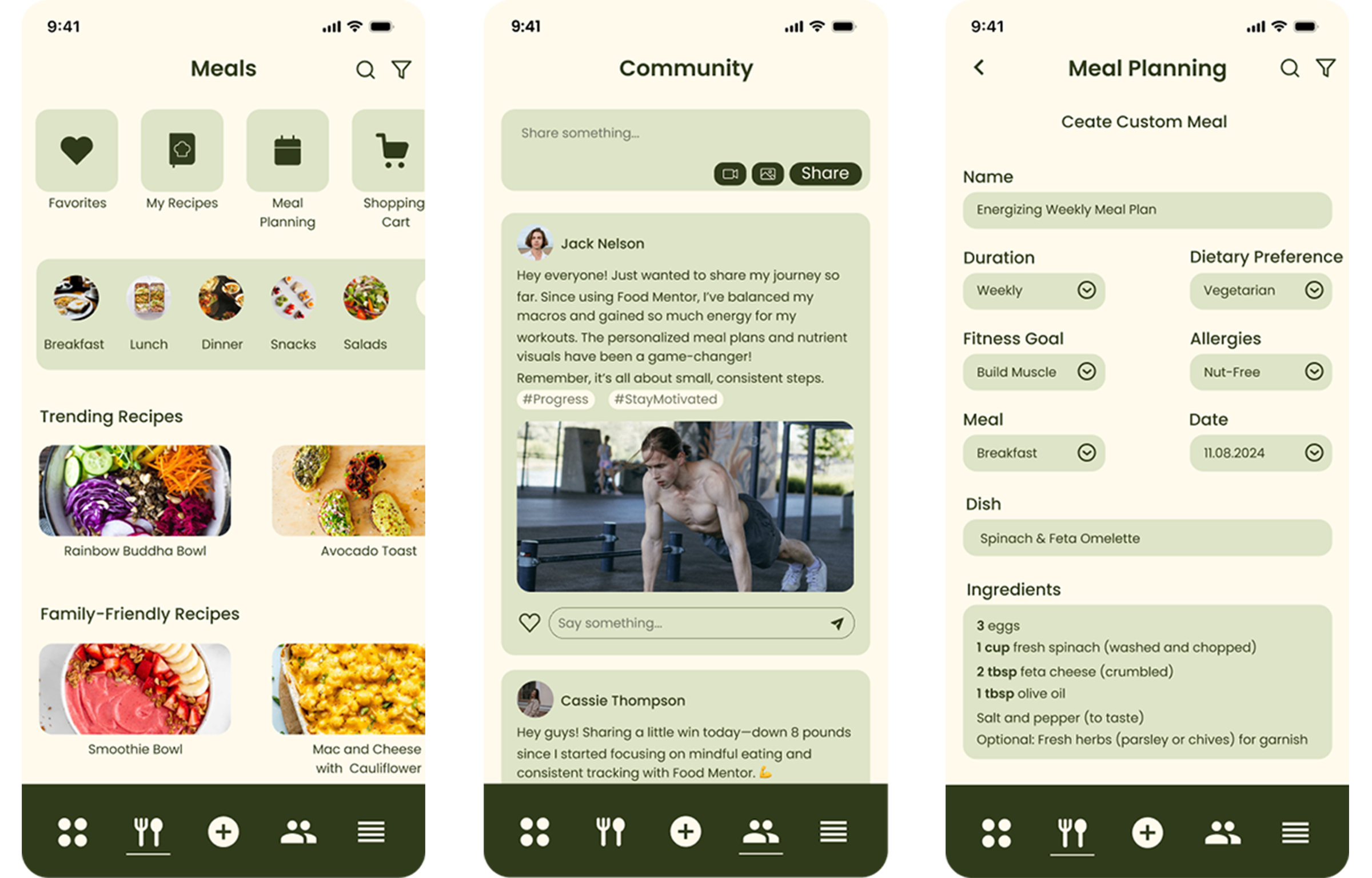
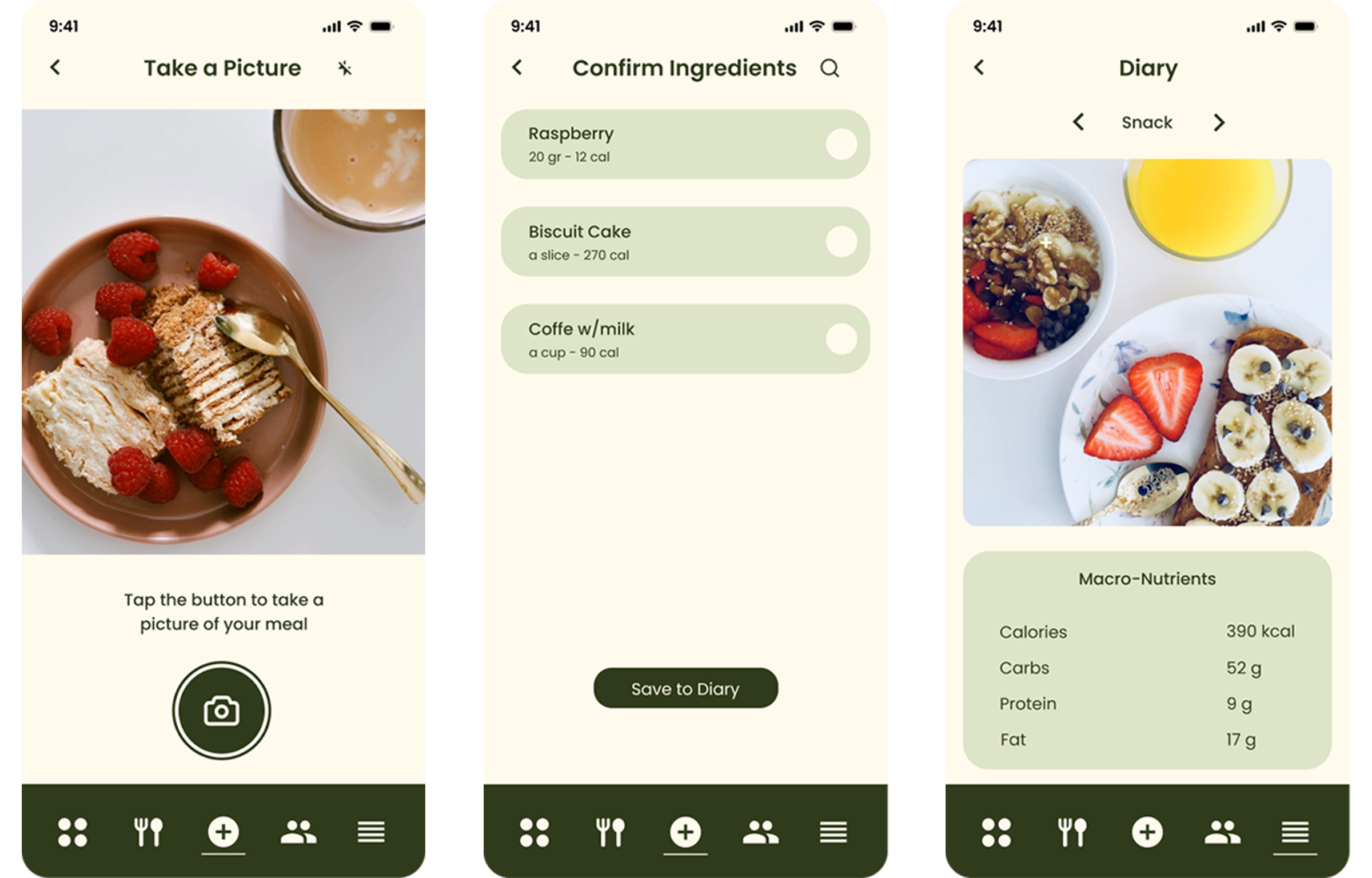
Effortless Meal Logging: Scan barcodes or snap photos to log meals quickly.
Personalized Nutrition: Receive dynamic meal recommendations tailored to individual goals.
Community Support: Share progress and view others’ posts to stay motivated.
Intuitive Design: Simple, positive, and engaging interface encourages lasting healthy habits.


Wireframes
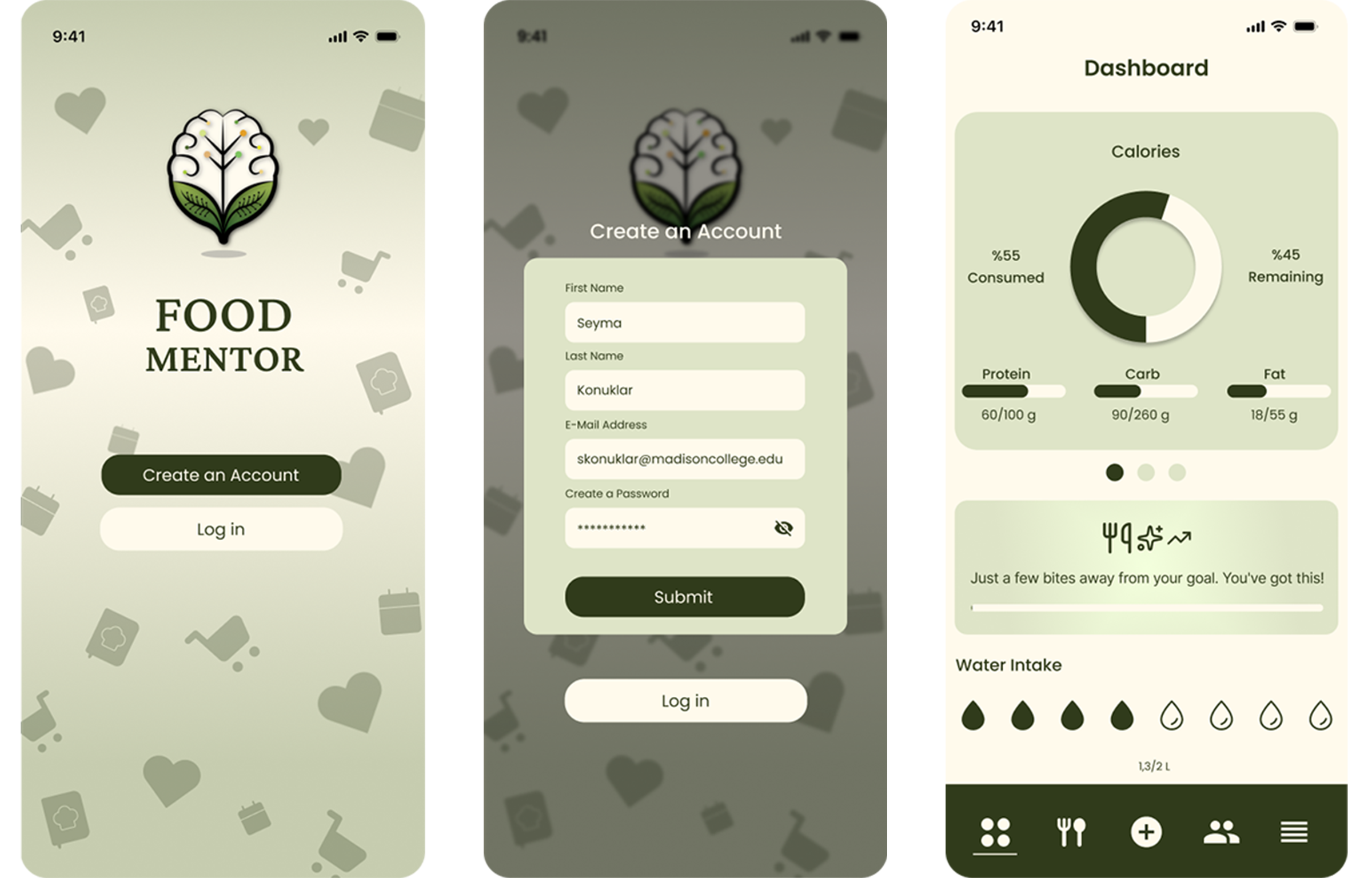
DESIGN PROCESS
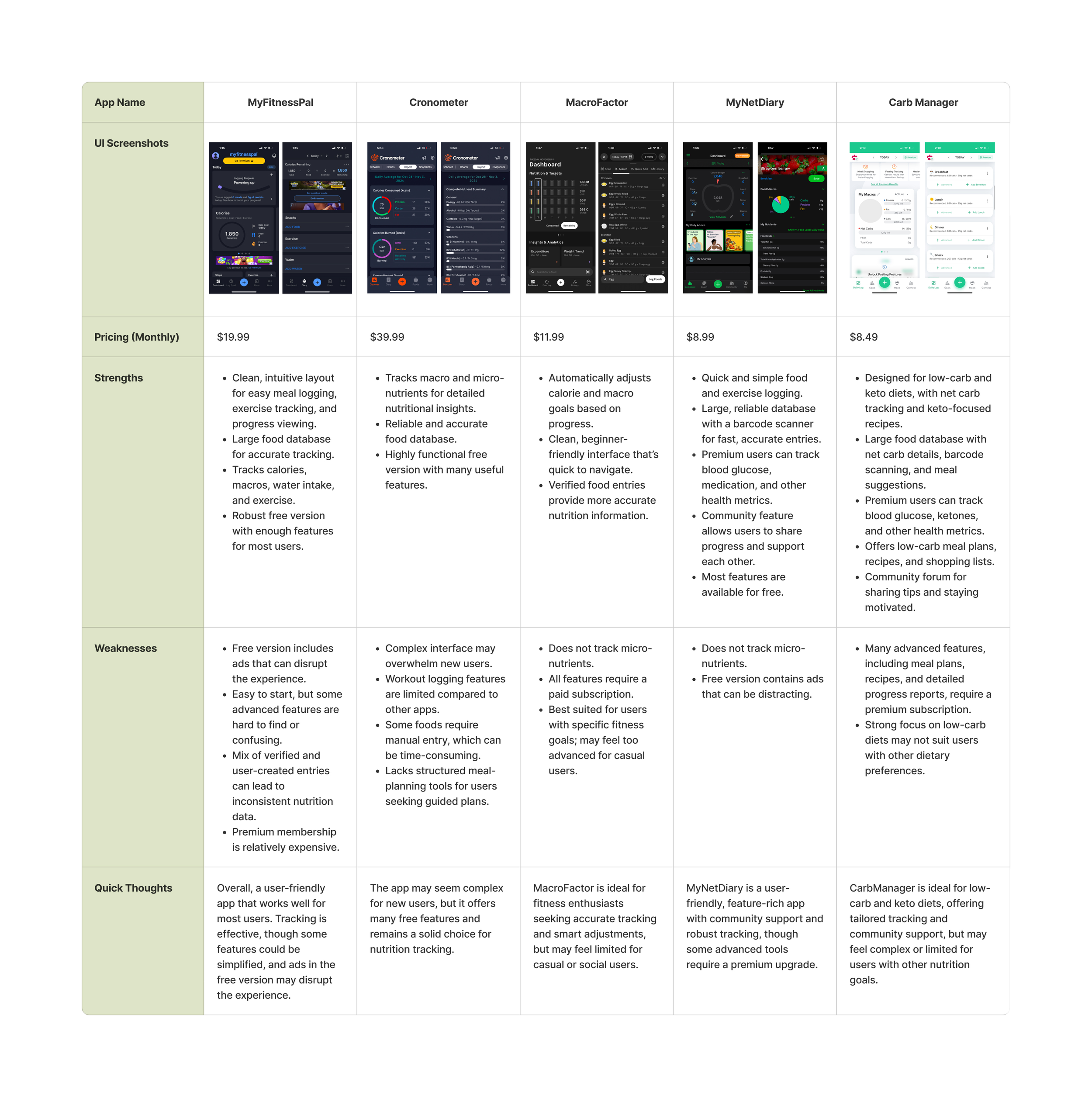
Comparison chart of five health and fitness apps, showing their user interface screenshots, monthly pricing, strengths, weaknesses, and quick thoughts.

Competitive Analysis

Food Mentor is a free, intuitive, and user-centered nutrition app that simplifies meal and exercise tracking while supporting users in building lasting healthy habits.

Key Insights

  • Ad-Free Experience: Provides uninterrupted tracking
    without distractions.

  • User-Friendly Design: Intuitive interface with a thoughtful color palette, easy for first-time users.

  • Quick Meal Logging: Food scan
    feature allows users to log meals instantly without manual entry.

  • Comprehensive Free Features: Meal logging, exercise tracking, and nutritional insights are available without a premium subscription.

  • Flexible for All Users: Supports a
    wide range of dietary goals, unlike
    apps focused on specific diets.

  • Encourages Healthy Habits: Simple, engaging design helps users stay motivated and consistent.

User Surveys

I conducted an online survey targeting health-conscious adults who use or have tried nutrition tracking apps. The goal was to identify user pain points, preferred features, and motivations. Insights from this survey informed the design of an app aimed at helping users track dietary goals, such as weight loss or muscle gain, with a focus on nutrition and exercise tracking.

“What are your biggest challenges in meeting your nutritional goals?”
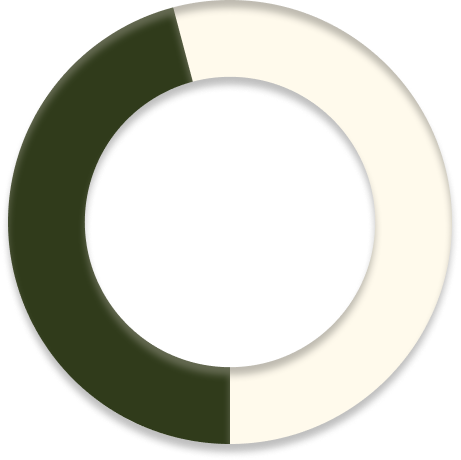
A doughnut chart with a dark green segment and a white segment.

%45.8

“Not enough time for meal prep or planning.”

“Do you currently use any apps to help with
your nutrition?”

A doughnut-shaped pie chart with a dark green and cream-colored segments.

%58.3

“No, I haven't found an app that meets my needs.”

“Would you find it useful to scan your food?”

A doughnut chart with a dark green segment and a white segment.

%50

“Yes, because it saves time!”

See Survey

User Personas

User Flows

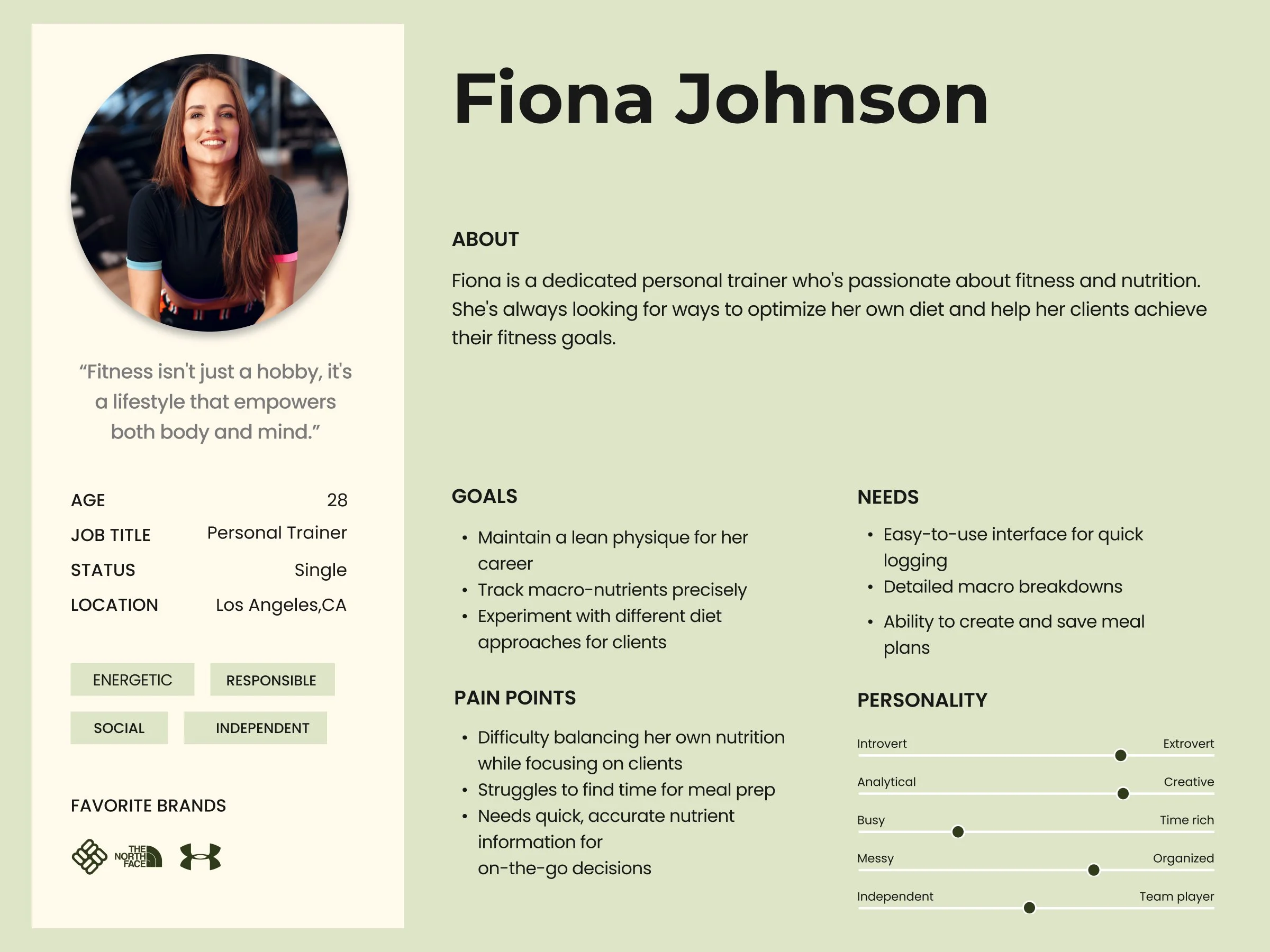
Fiona Johnson - Personal Trainer

As a user, she wants to provide her clients with personalized meal plans based on their dietary preferences and fitness goals, so that they can achieve better results and maintain a balanced diet that supports their training.
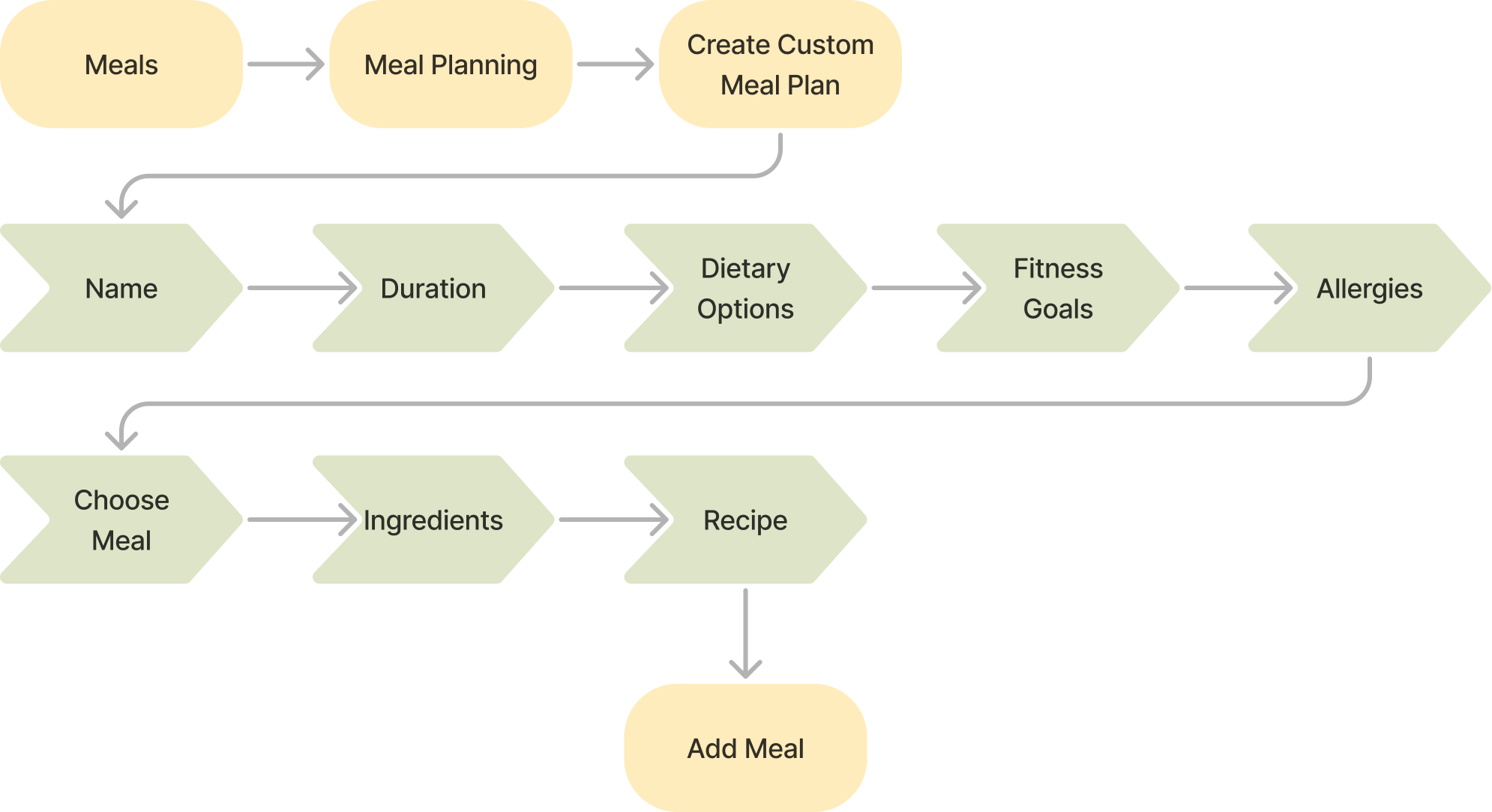
Flowchart showing a meal planning process: starting with meals, meal planning, creating a custom meal plan, then collecting personal details like name, duration, dietary options, fitness goals, and allergies. Next, choosing a meal, listing ingredients, creating a recipe, and adding the meal.

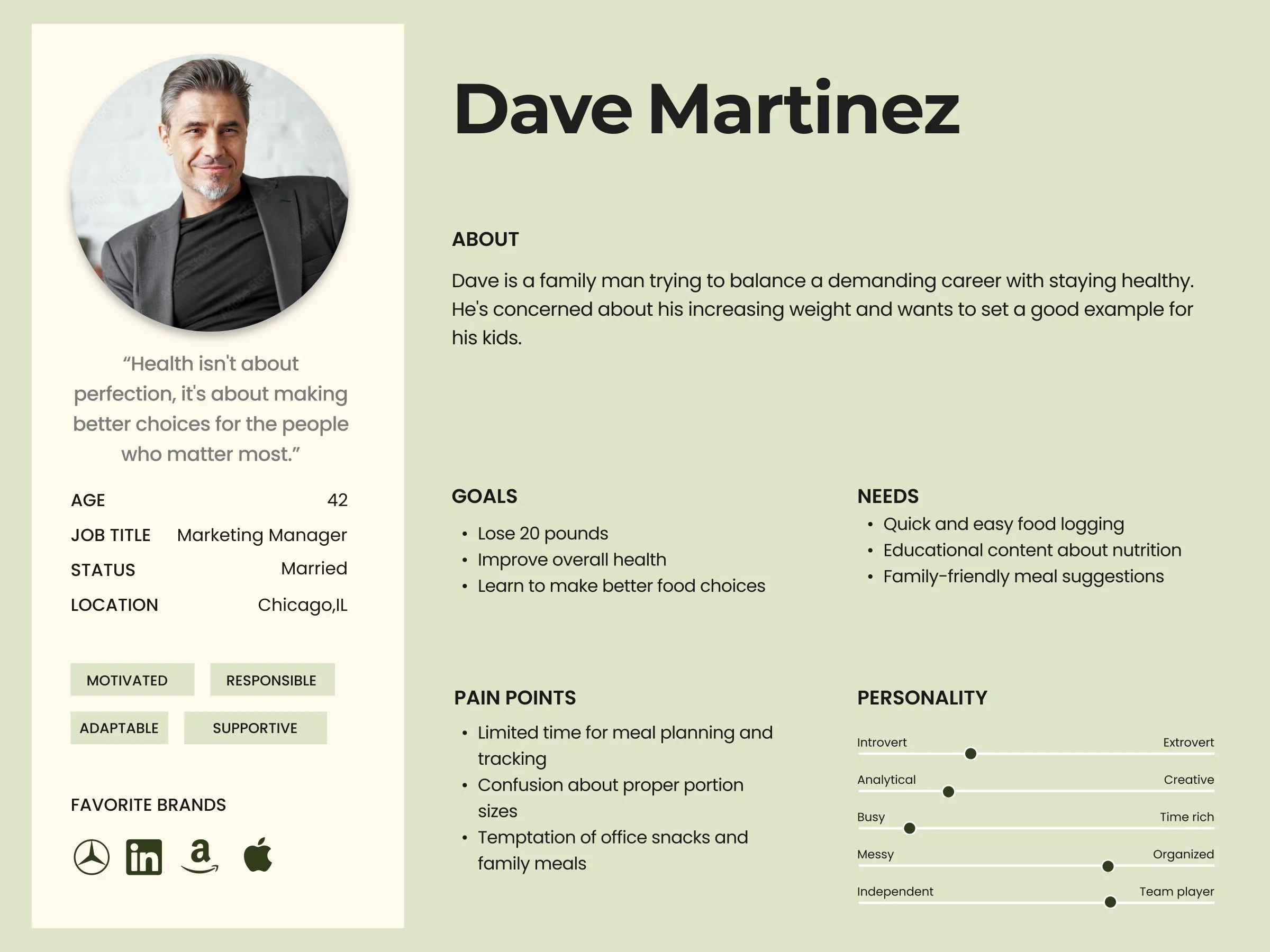
Dave Martinez - Marketing Manager

Dave is a family man trying to balance a demanding career with staying healthy. He's concerned about his increasing weight and wants to set a good example for his kids. As a user, he is looking for family-friendly 
meal recipes.
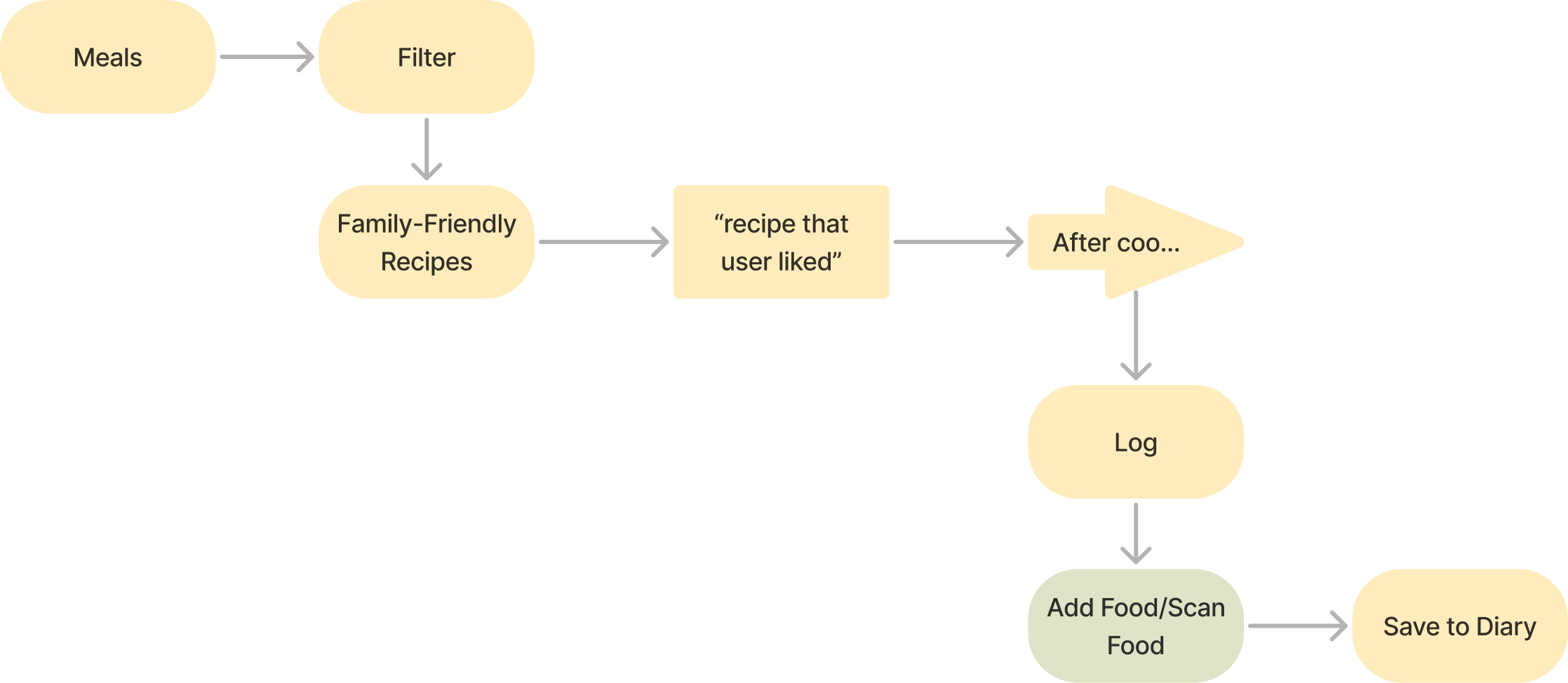
A flowchart illustrating a process for managing meals. It starts with meals, which are filtered, then sorted by family-friendly recipes. User preferences are considered, leading to a cooked recipe. After cooking, the process logs the meal, adds food information, and saves it to a diary.

Hannah Chen - Software Engineer

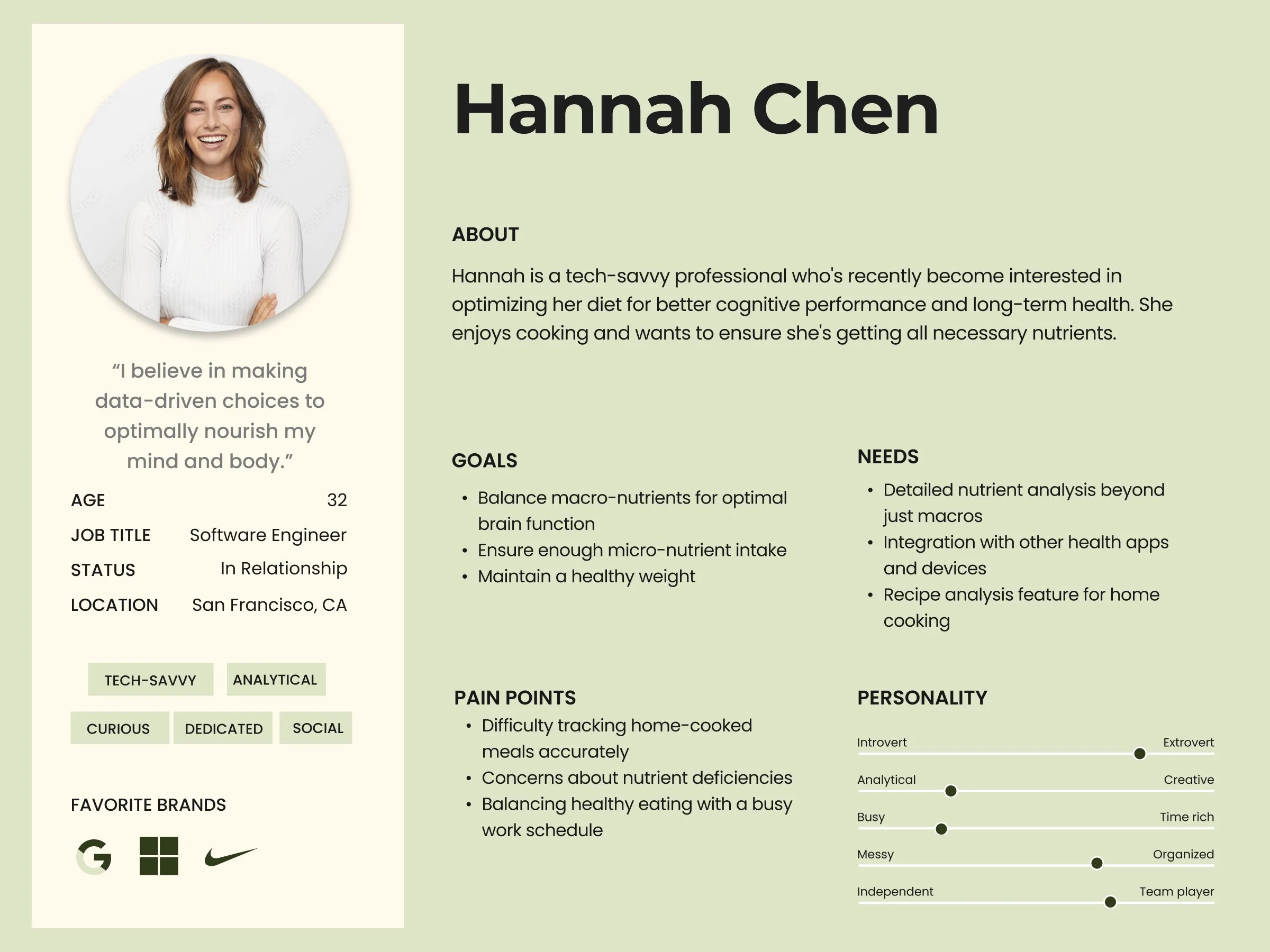
Hannah is a tech-savvy professional who's recently become interested in optimizing her diet for better cognitive performance and long-term health. User needs detailed nutrient analysis beyond just macros.
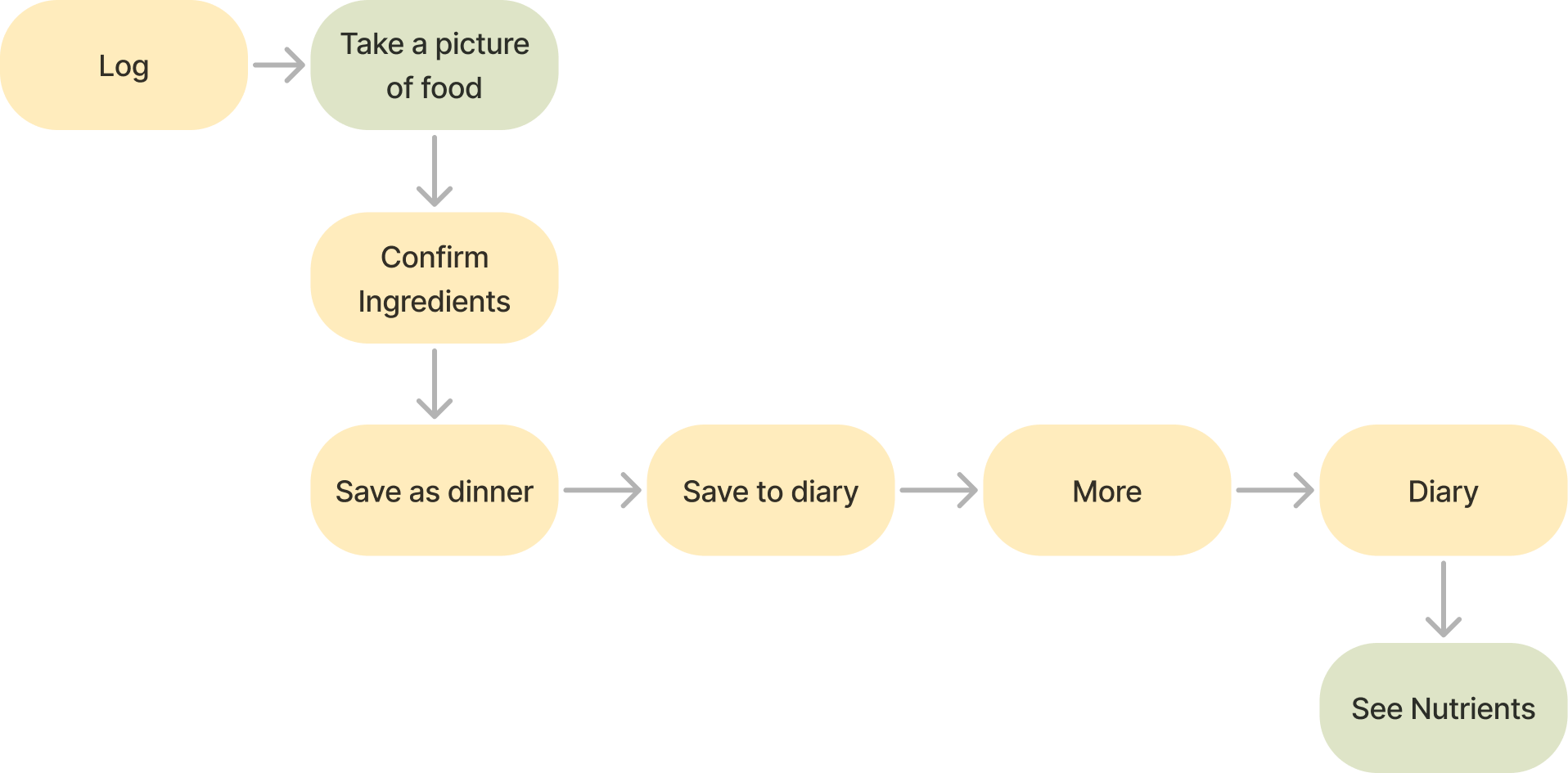
Flowchart illustrating a food logging process, starting with logging food, taking a picture, confirming ingredients, saving as dinner, saving to diary, adding more entries, and viewing nutrients.

Iterations

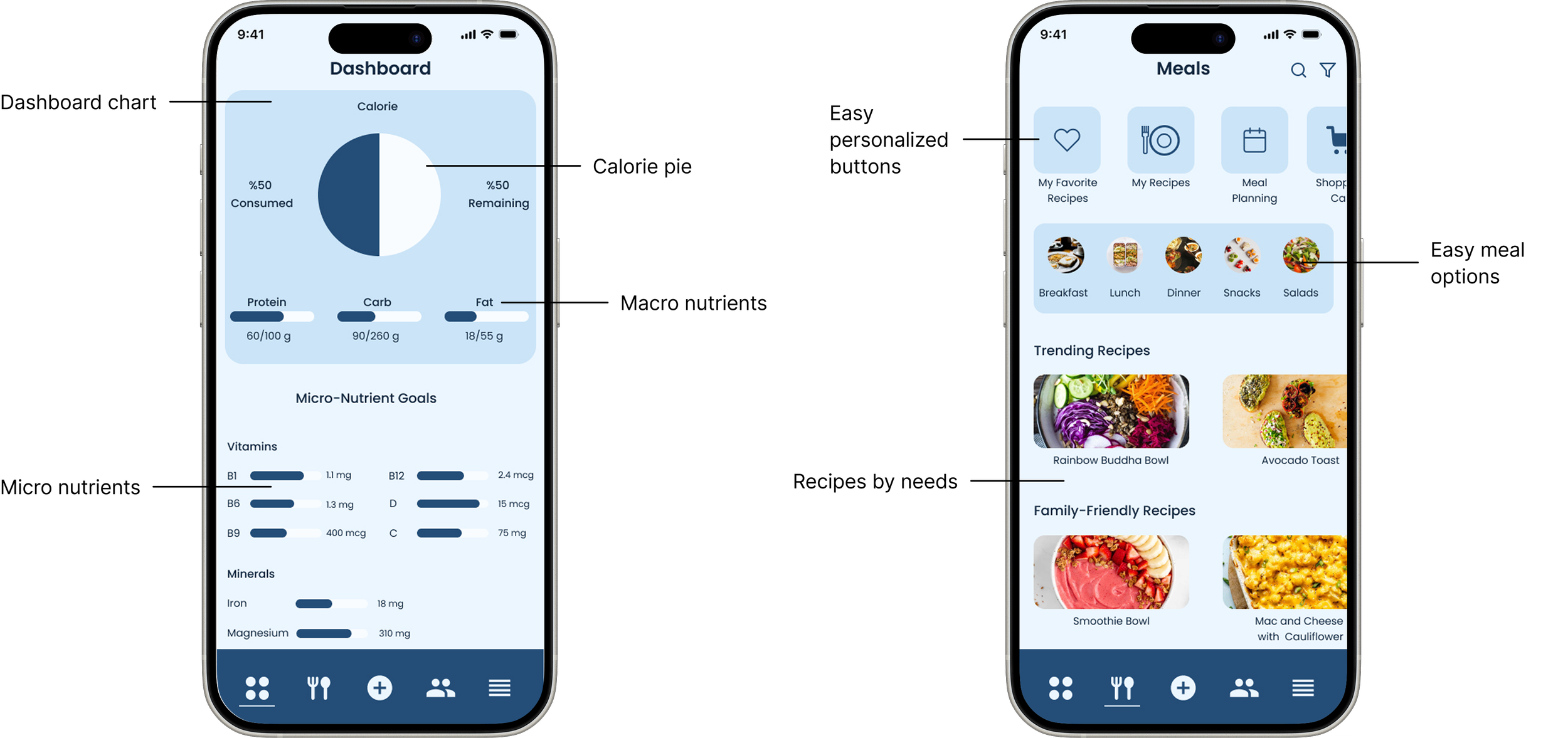
Back then

Screenshots of a mobile app showing a health and meal planning interface. The left screen displays a dashboard with nutritional metrics, a pie chart for calorie intake, and nutrient goals for proteins, carbs, fats, vitamins, and minerals. The right screen shows a meal planning section with categories like breakfast, lunch, dinner, snacks, and salads, featuring trending recipes such as Rainbow Buddha Bowl and Avocado Toast, as well as family-friendly recipes like Smoothie Bowl and Mac and Cheese with Cauliflower.

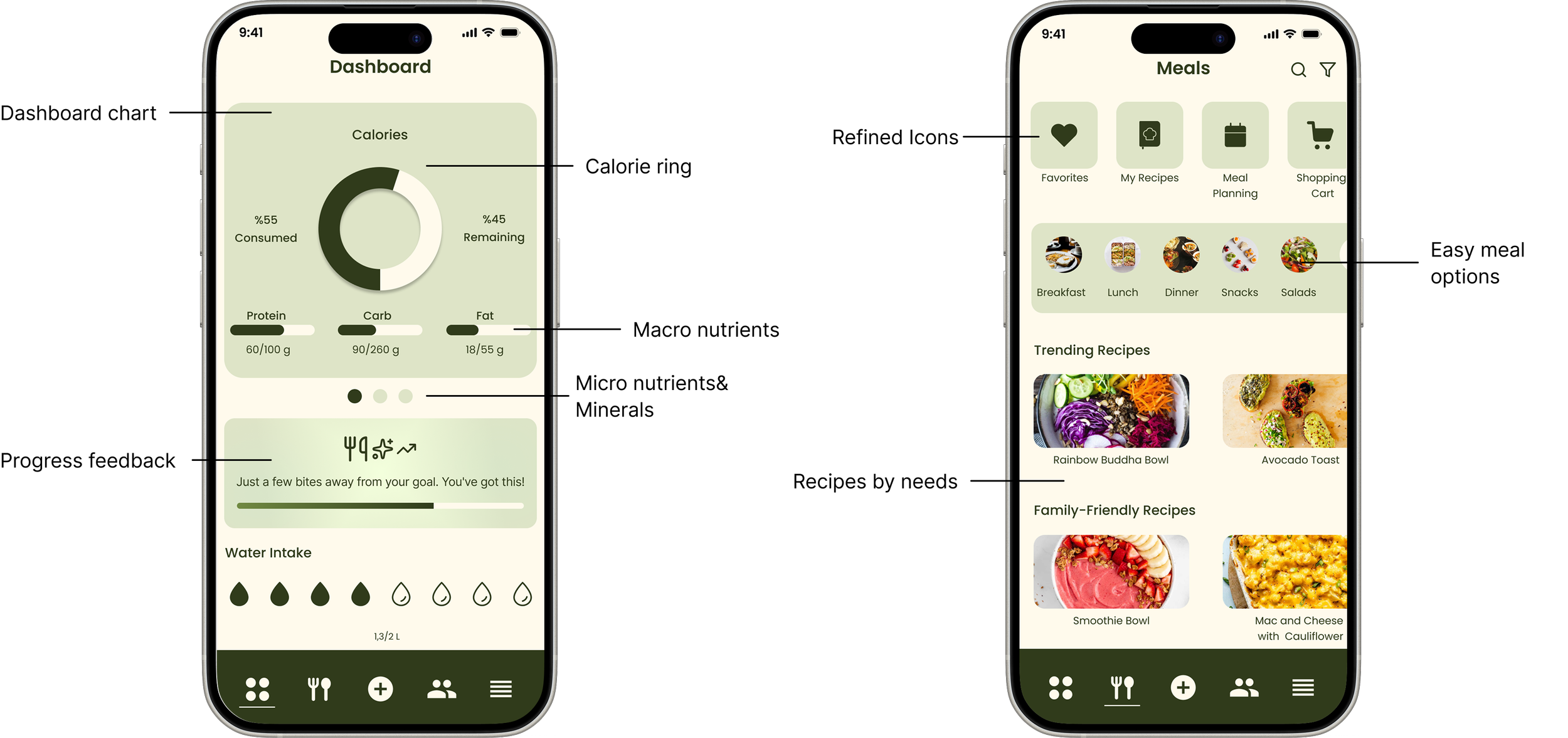
Now

Smartphone screens displaying a food tracking app. The left screen shows a dashboard with a pie chart of calorie consumption, macronutrient sliders, water intake, and motivational message. The right screen shows a meal planning section with icons for favorites, recipes, meal planning, shopping cart, meal categories, trending recipes, and family-friendly recipes.
View Prototype

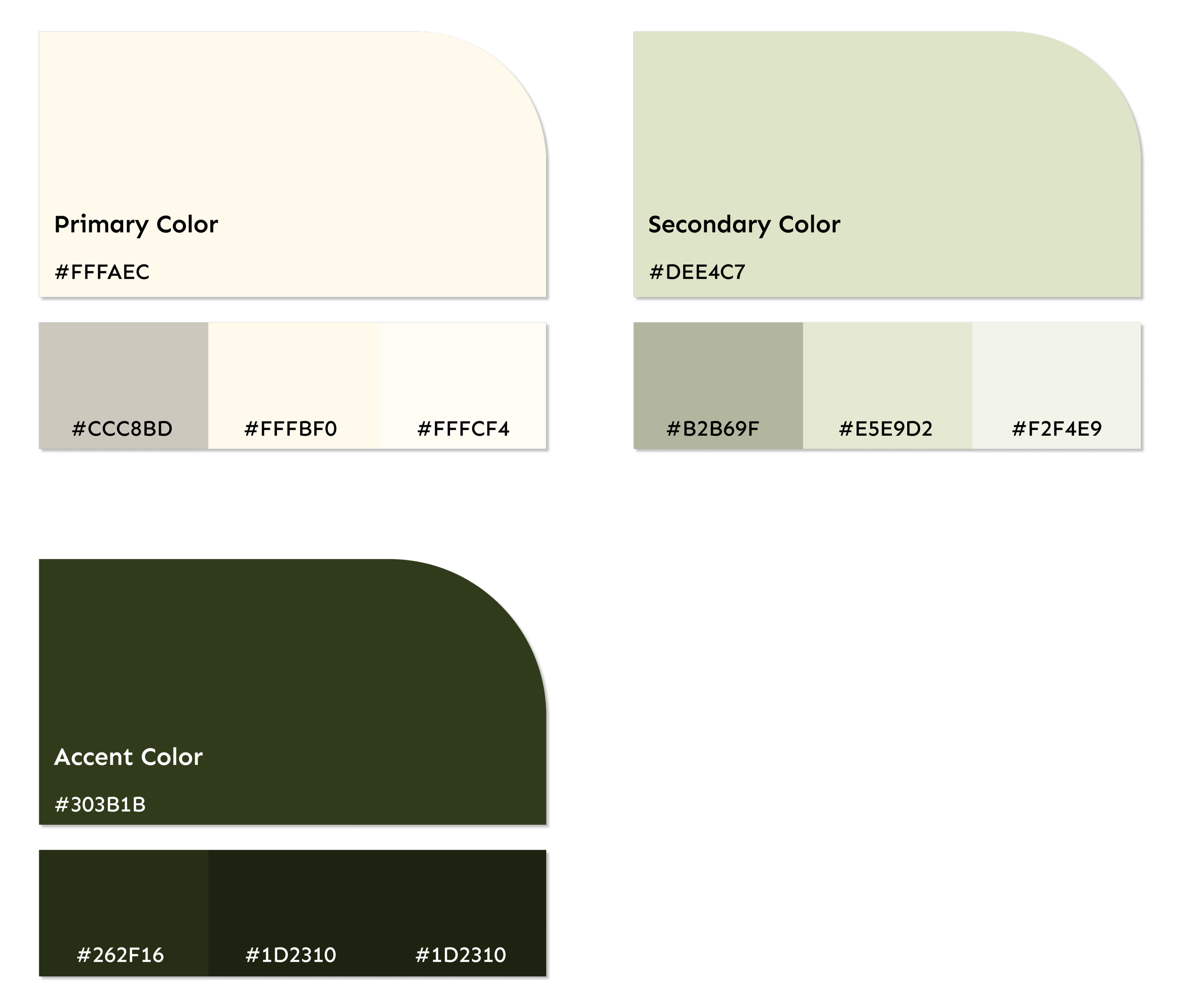
Style Tile

Color palette chart showing primary, secondary, accent, and shades of green and gray colors with their hex codes.
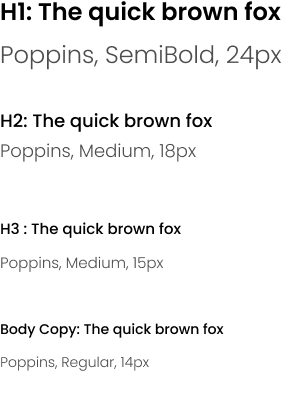
Typography sample showing text in different font styles and sizes: Poppins, SemiBold, 24px; Poppins, Medium, 18px; Poppins, Medium, 15px; Poppins, Regular, 14px.
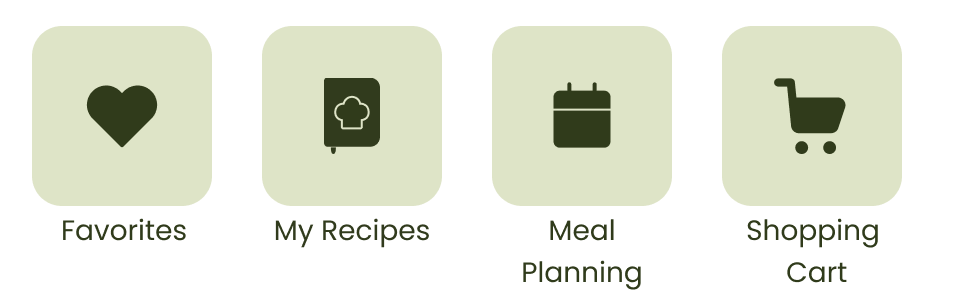
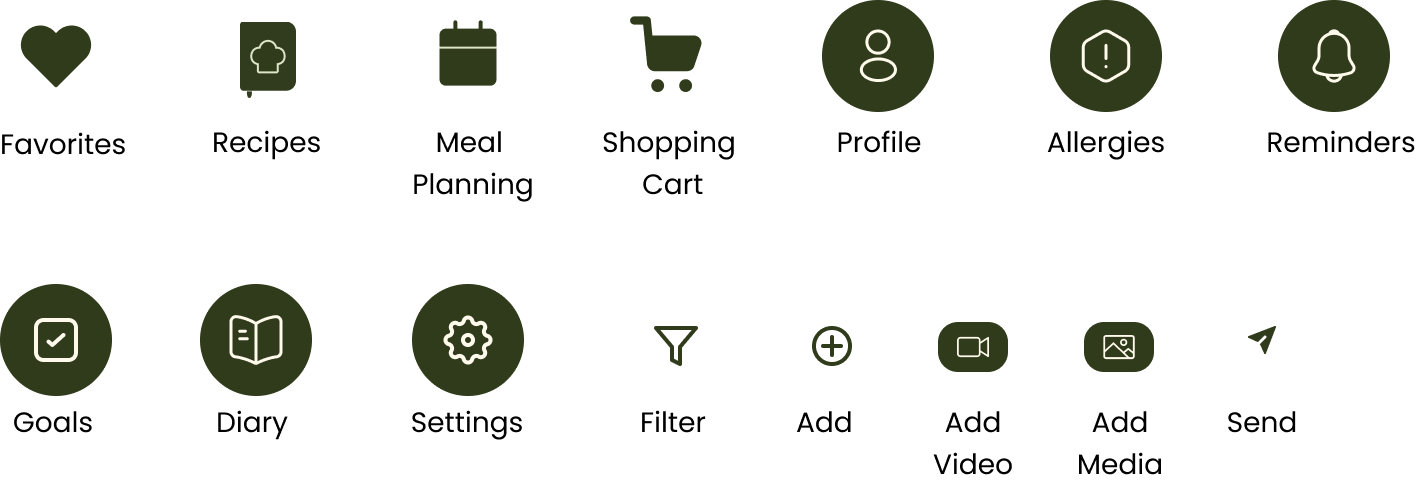
Icons representing Favorites, My Recipes, Meal Planning, and Shopping Cart with label text
Camera settings interface with options for filters, focus, and exposure, and a central shutter button.
Illustration of a brain with a tree growing inside it, featuring green and orange ornaments, and green leaves at the base.
Logo with the words 'Food Mentor' in large, dark green letters
Screenshot of a mobile app interface with a dark theme, featuring various icon buttons including heart, calendar, shopping cart, user profile, notification, and settings, among others.
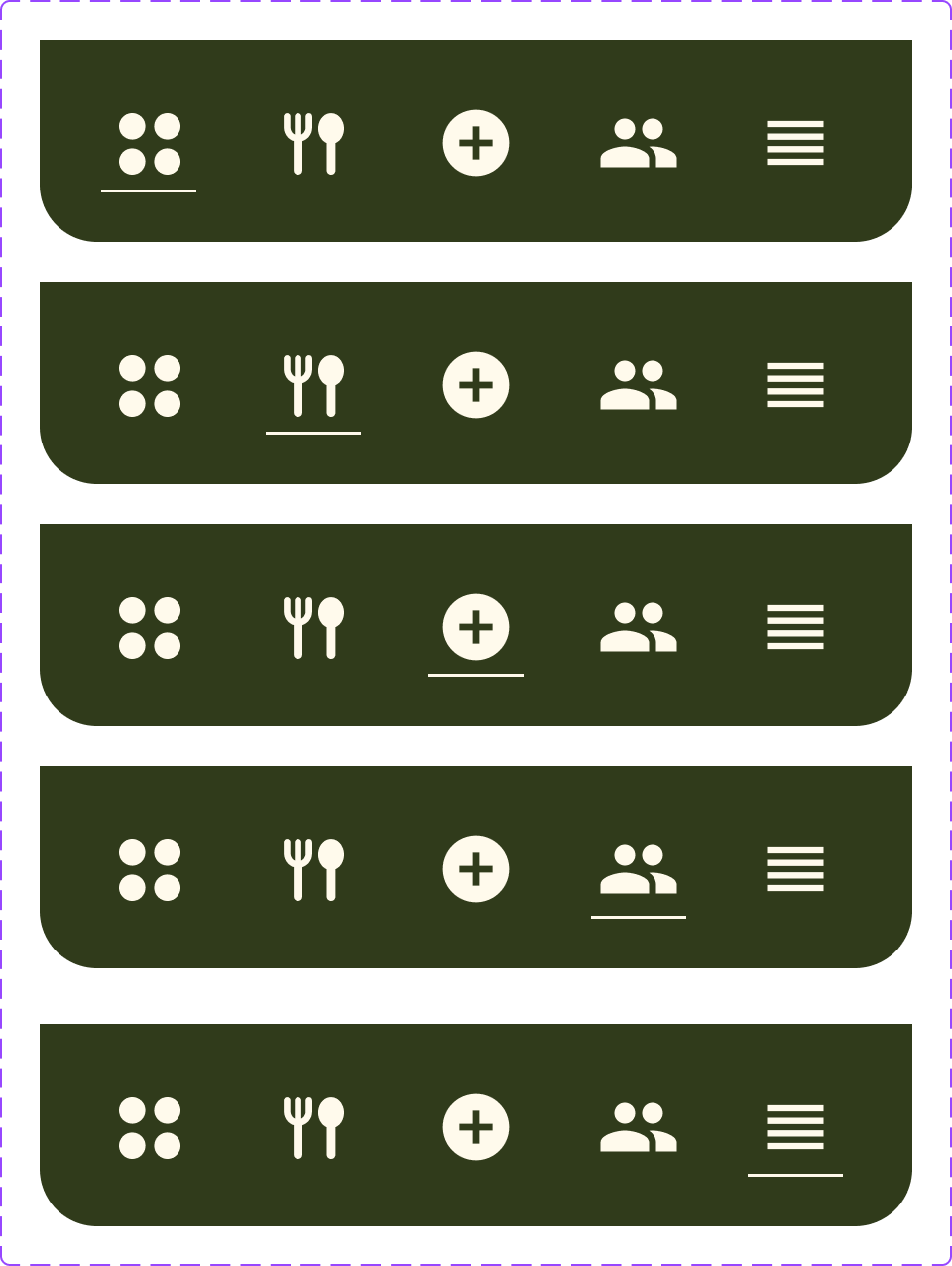
This image shows a mobile app interface with five rows of icons on a dark green background. Each row contains five icons: a four-dot grid, a fork and knife, a plus sign inside a circle, two people icons, and three horizontal lines.
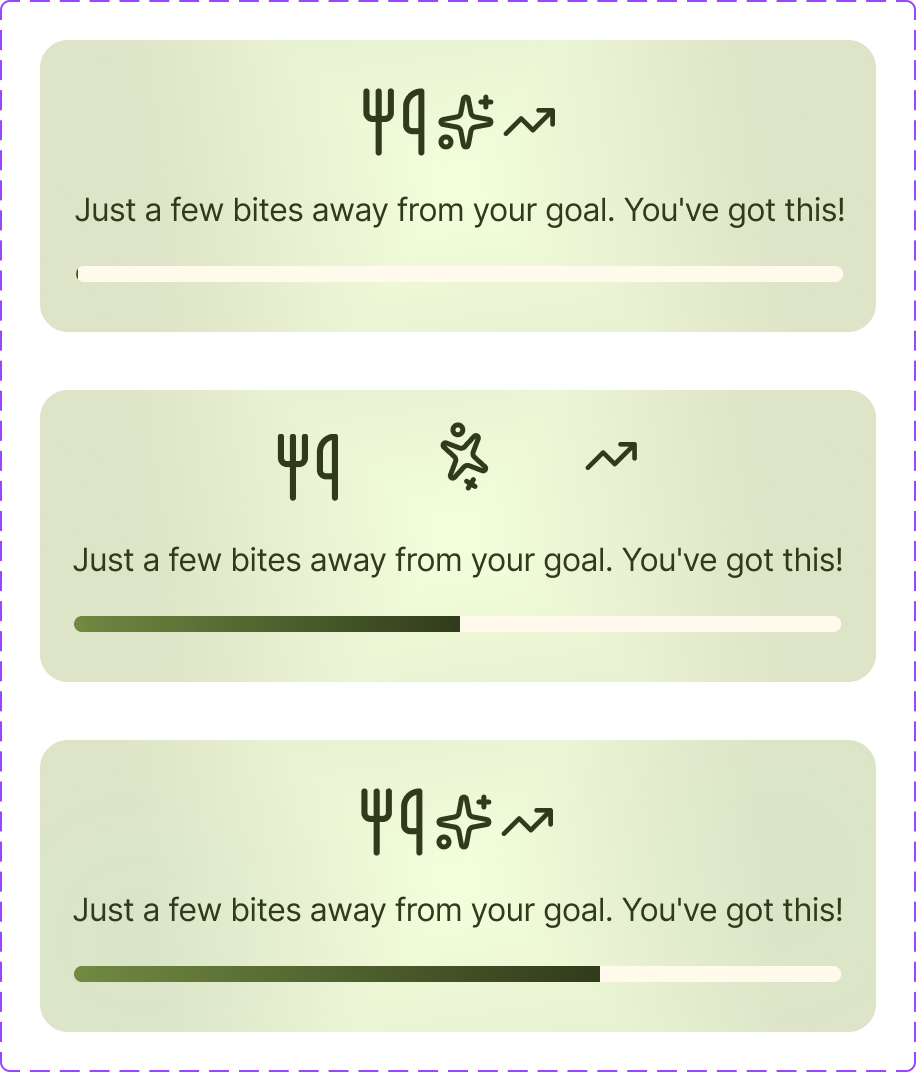
Three progress indicators with motivational messages, featuring icons of a trophy, a star, and an upward arrow, on a pastel background with purple borders. The text reads "Just a few bites away from your goal. You've got this!"
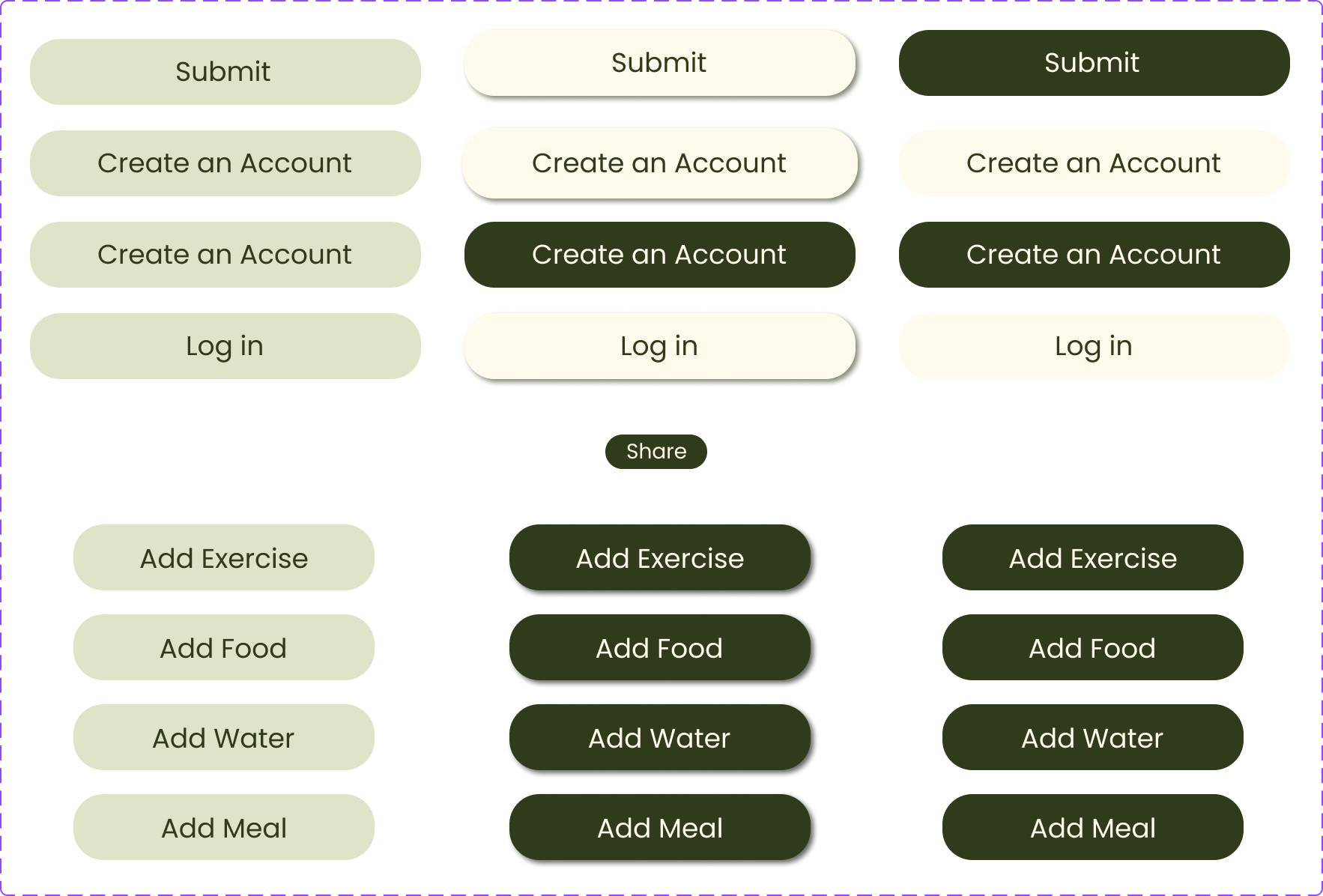
Image of a digital interface with buttons labeled 'Submit', 'Create an Account', 'Log in', 'Add Exercise', 'Add Food', 'Add Water', 'Add Meal', and a small label that says 'Share'. The interface has a purple background and green, white, and black buttons with rounded rectangles.

Next Steps

In future iterations, the app will be enhanced with AI-driven meal recommendations to provide more personalized guidance. Additionally, the next phase will focus on making the product fully responsive, ensuring a seamless and consistent experience across mobile, tablet, and desktop interfaces.

View More
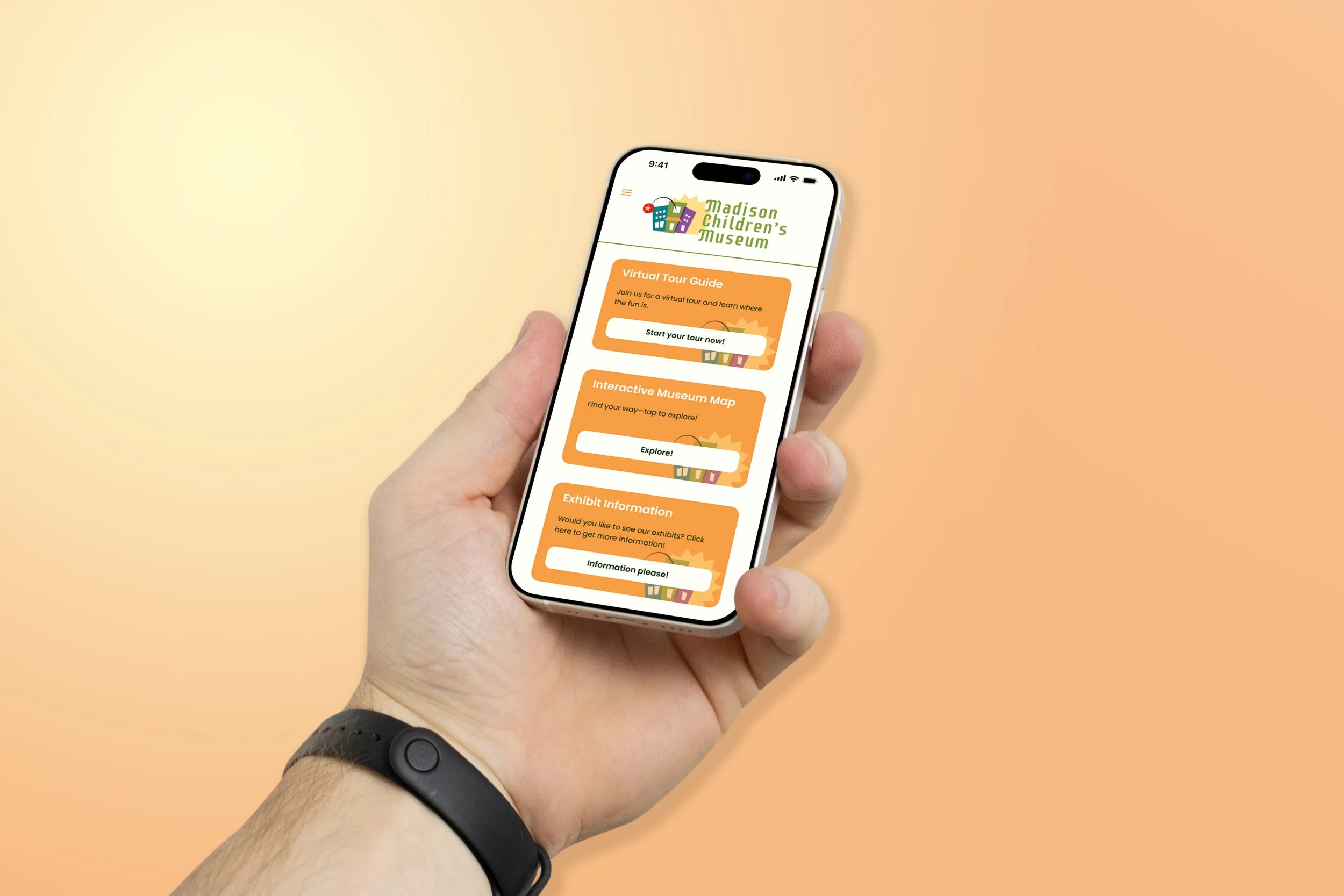
Madison Children’s Museum

Interactive Museum Navigation System
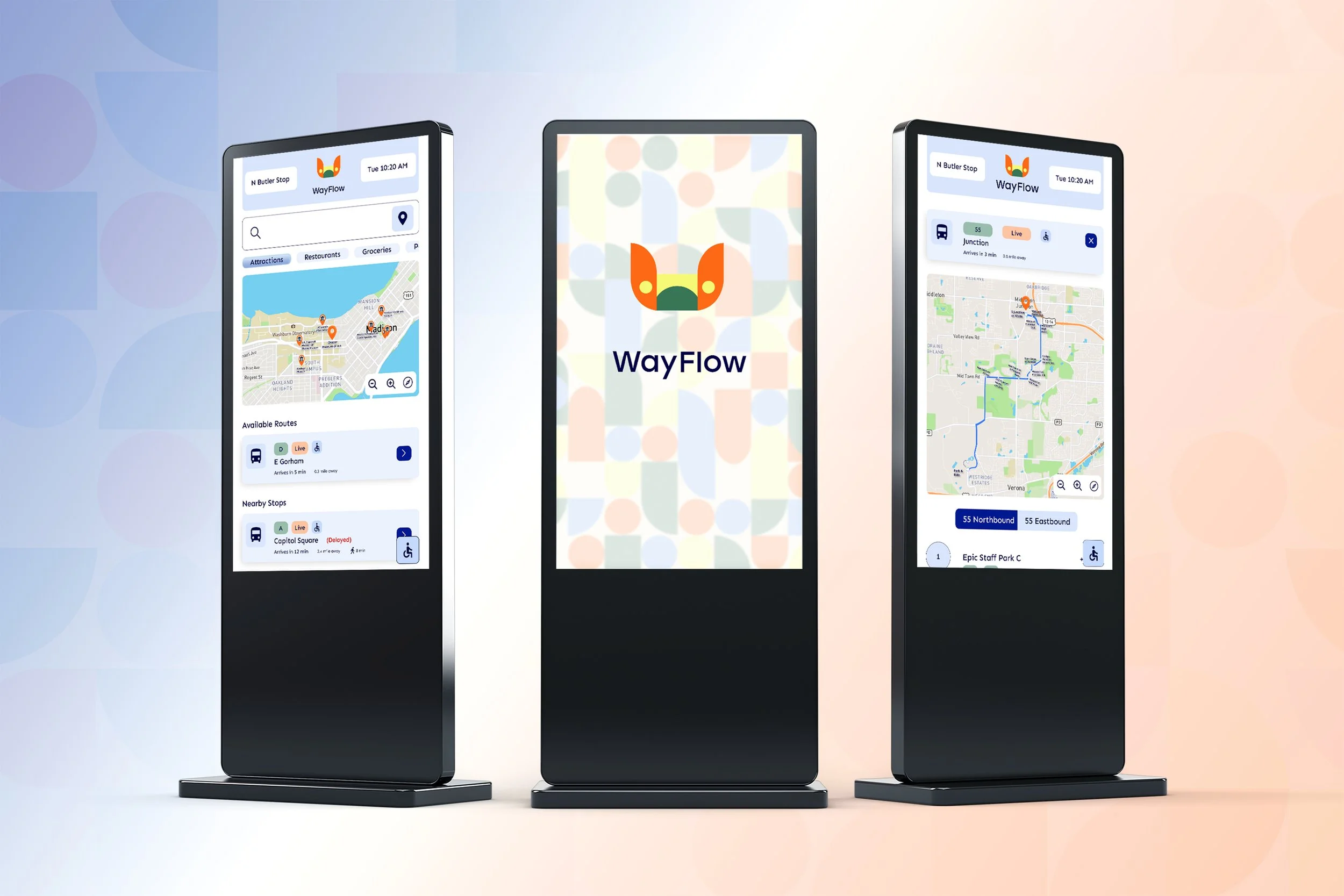
WayFlow

Transit Wayfinding Interface