WayFlow

Transit Wayfinding Interface

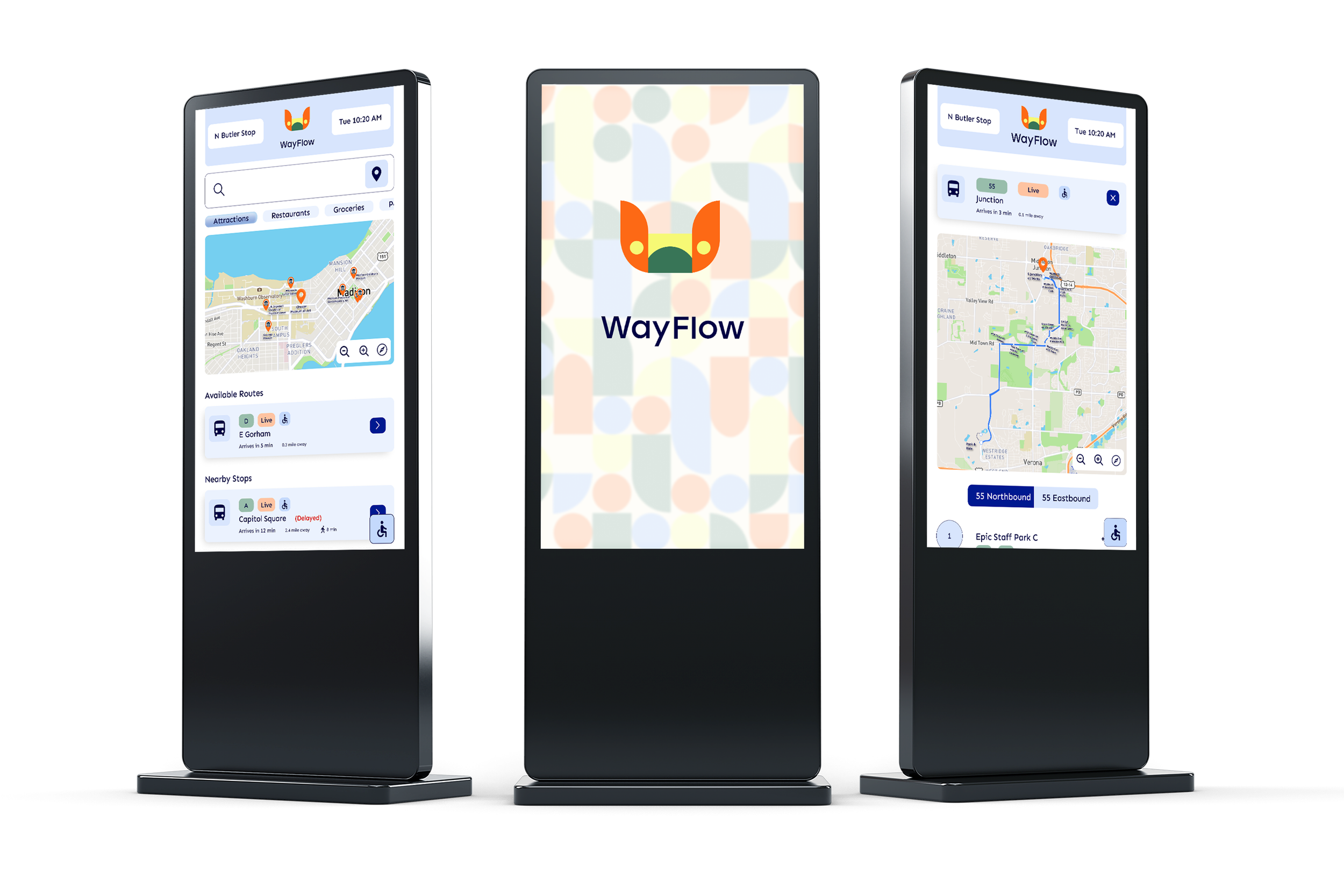
Three digital kiosks displaying the WayFlow transit app, featuring maps, bus routes, schedules, and nearby stops.
View Prototype
View Case Study

Overview

WayFlow is a kiosk-based journey planning and bus stop information system designed to be placed at bus stops. As a foreign resident living in Wisconsin, USA, I noticed a lack of attention and accessibility in public transportation services. This observation led me to design a solution that makes transit information more accessible to both locals and visitors.

Problems

While many people in the United States can afford personal vehicles, tourists, students, and individuals with limited financial resources rely heavily on public transportation. However, these users face several major challenges:

  • To find the correct bus route, users typically need mobile apps or internet access.

  • Some tourists do not have international data plans, making it difficult for them to access transit information.

  • Any user may experience a dead phone battery, leaving them without access to essential details such as route numbers, stop locations, or schedules.

Solutions

To address these problems, I designed a universally accessible kiosk navigation system integrated into bus stops. Key features of the solution include:

  • Digital kiosk screens placed at every bus stop, allowing users to view route and stop information without needing a phone or internet connection.

  • A printing feature that lets users with a dead phone battery print out bus routes and stop information.

  • A QR code that allows users to transfer stop information to their phones without an internet connection.

  • An adjustable screen height feature, improving usability for all.


DESIGN PROCESS

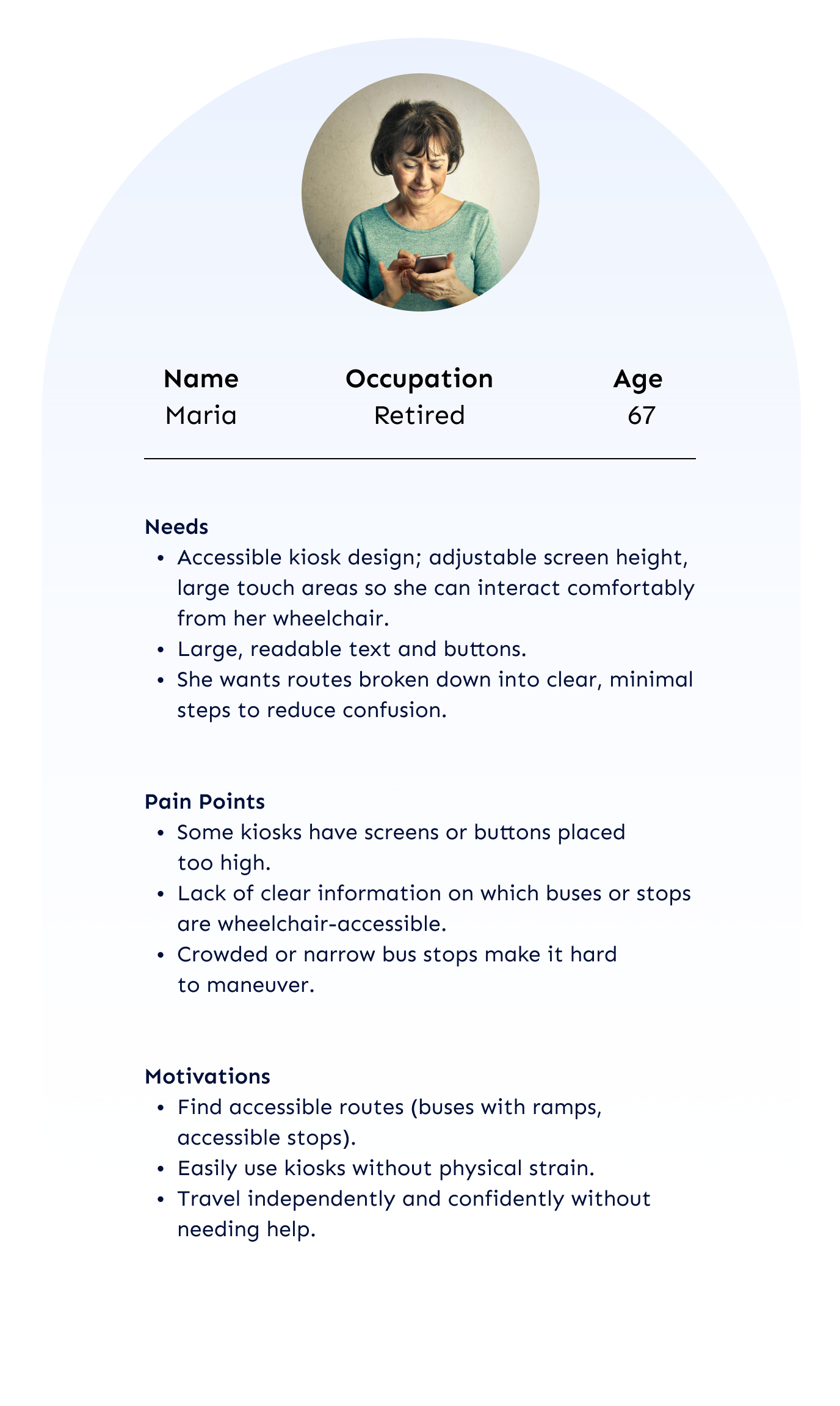
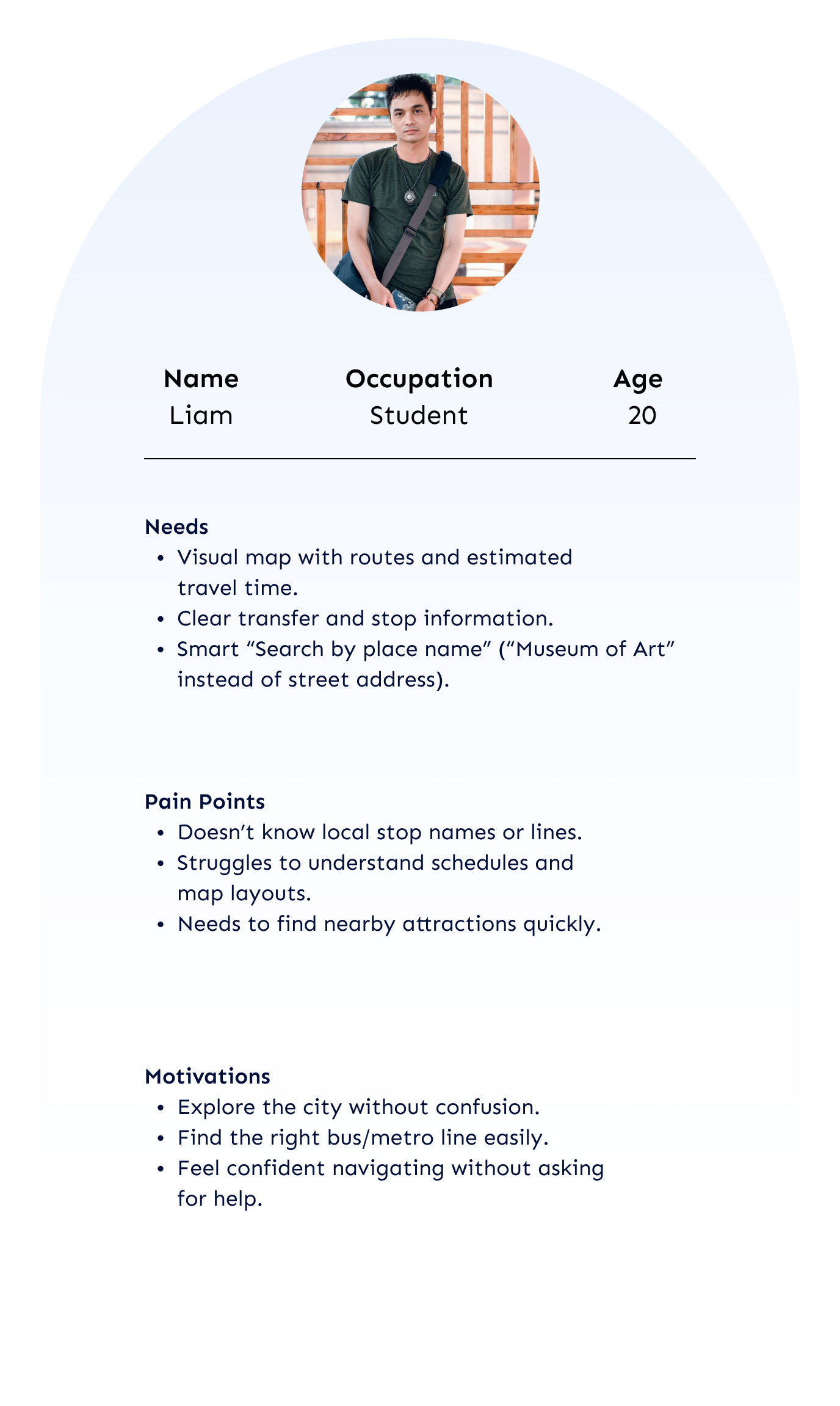
These three personas were created to understand users’ behaviors, motivations, and challenges. They clarified the key problems WayFlow needed to solve and guided the overall design process.

User Personas
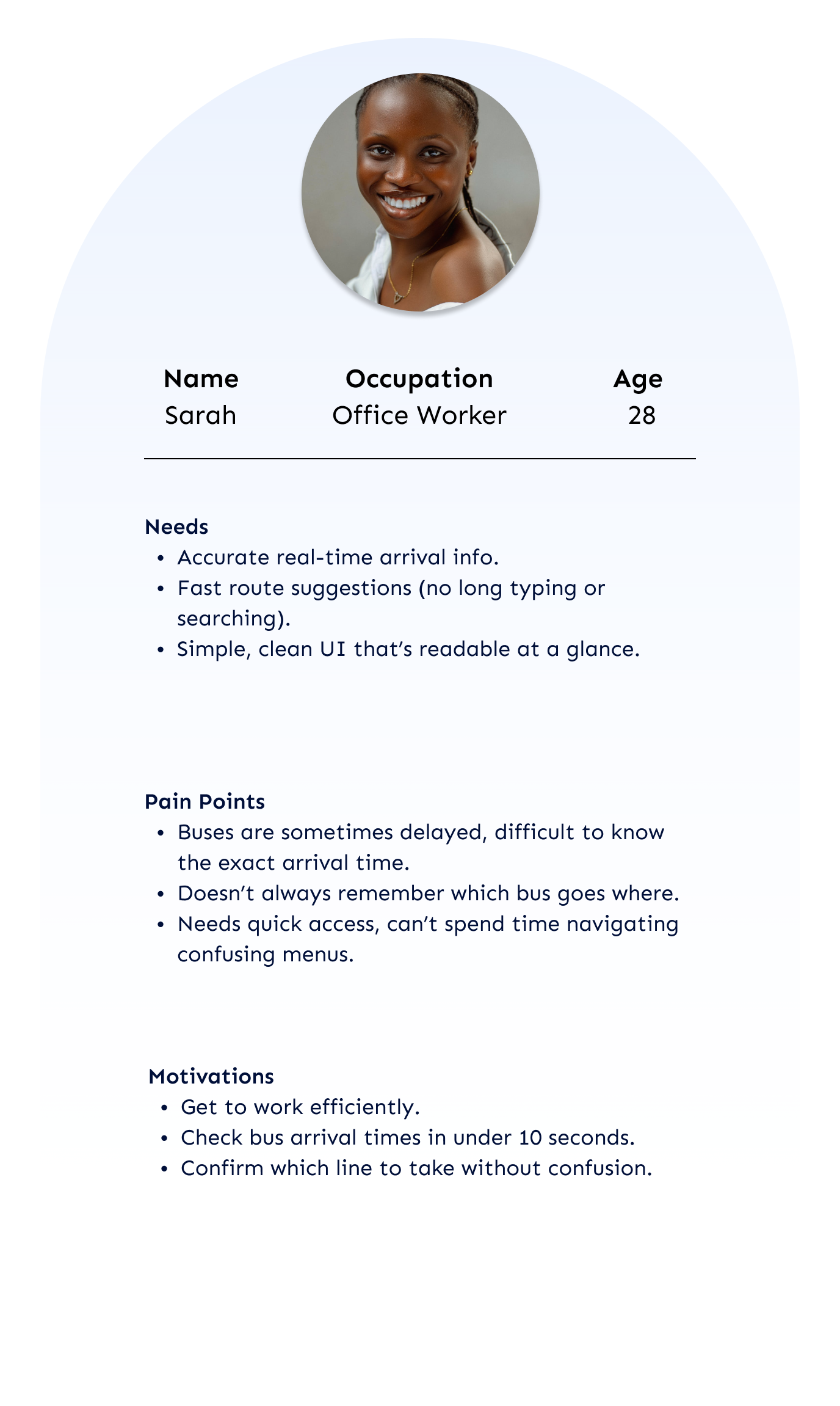
Profile card of Sarah, an office worker aged 28, with a photo of a smiling woman with dark skin, wearing a white top and a necklace, and details about her needs, pain points, and motivations related to bus arrivals.
Profile of Maria, a retired 67-year-old woman, with a list of her needs, pain points, and motivations for accessible transportation and kiosk design.
Profile card featuring a young man named Liam, a student aged 20. Contains needs, pain points, and motivations related to city navigation and public transportation, with a small photo of Liam at the top.

User Flows

Based on the three user personas, three key scenarios were developed to map out users’ goals, actions, and decision points. These user flows played a crucial role in shaping the structure of the design, ensuring that each interaction aligned with real user needs and supported a seamless transit experience.

User Persona: Sarah / Office Worker / 28
Scenario: Find a fastest route to dinner the meeting restaurant.
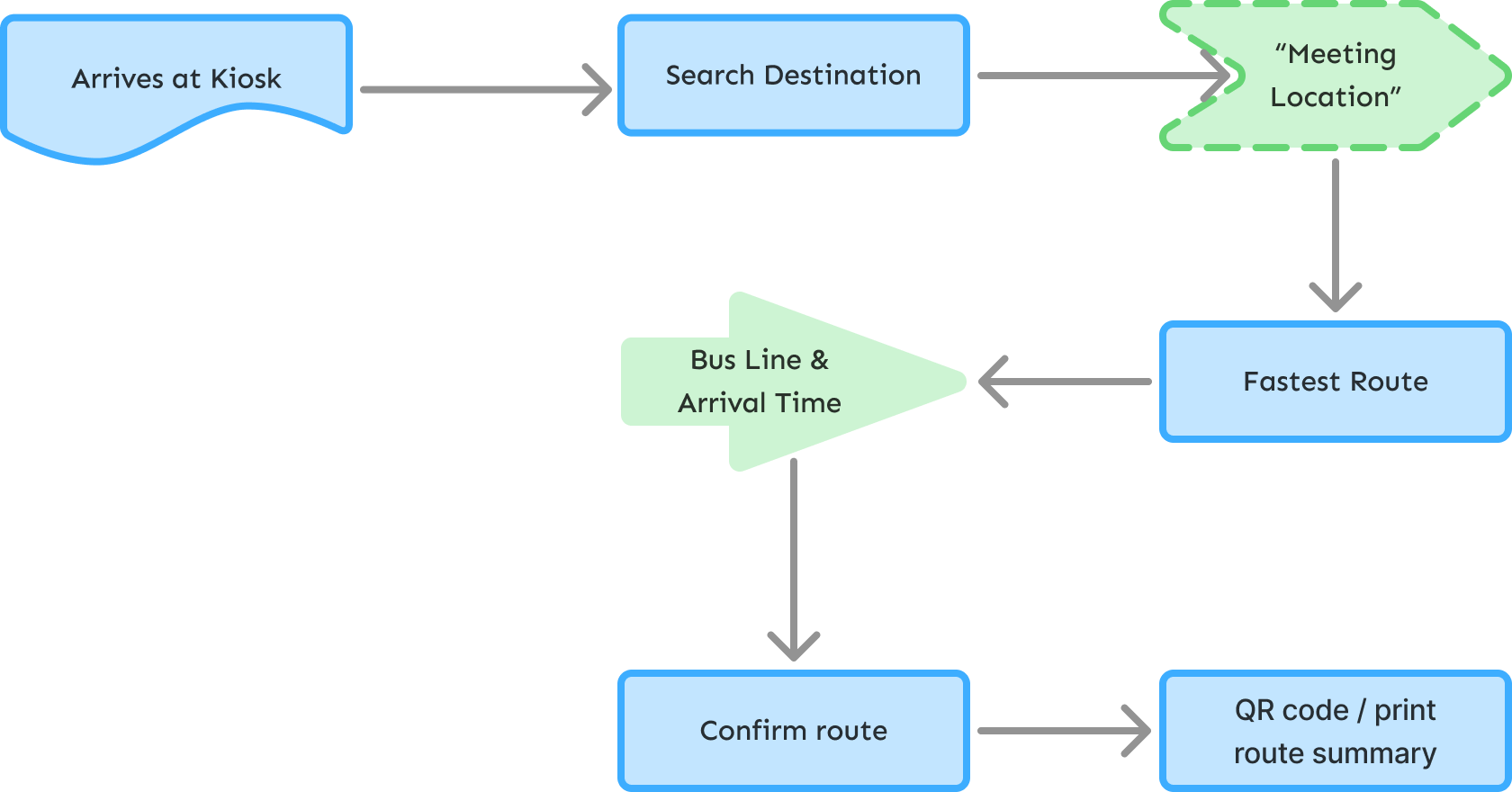
Flowchart illustrating a route planning process for a bus, starting from arriving at a kiosk, searching for a destination, selecting the meeting location, finding the fastest route, obtaining bus line and arrival times, confirming the route, and generating a QR code or route summary.

User Persona: Maria / Retired / 67
Scenario: Find an accessible bus or metro route using 
the kiosk.
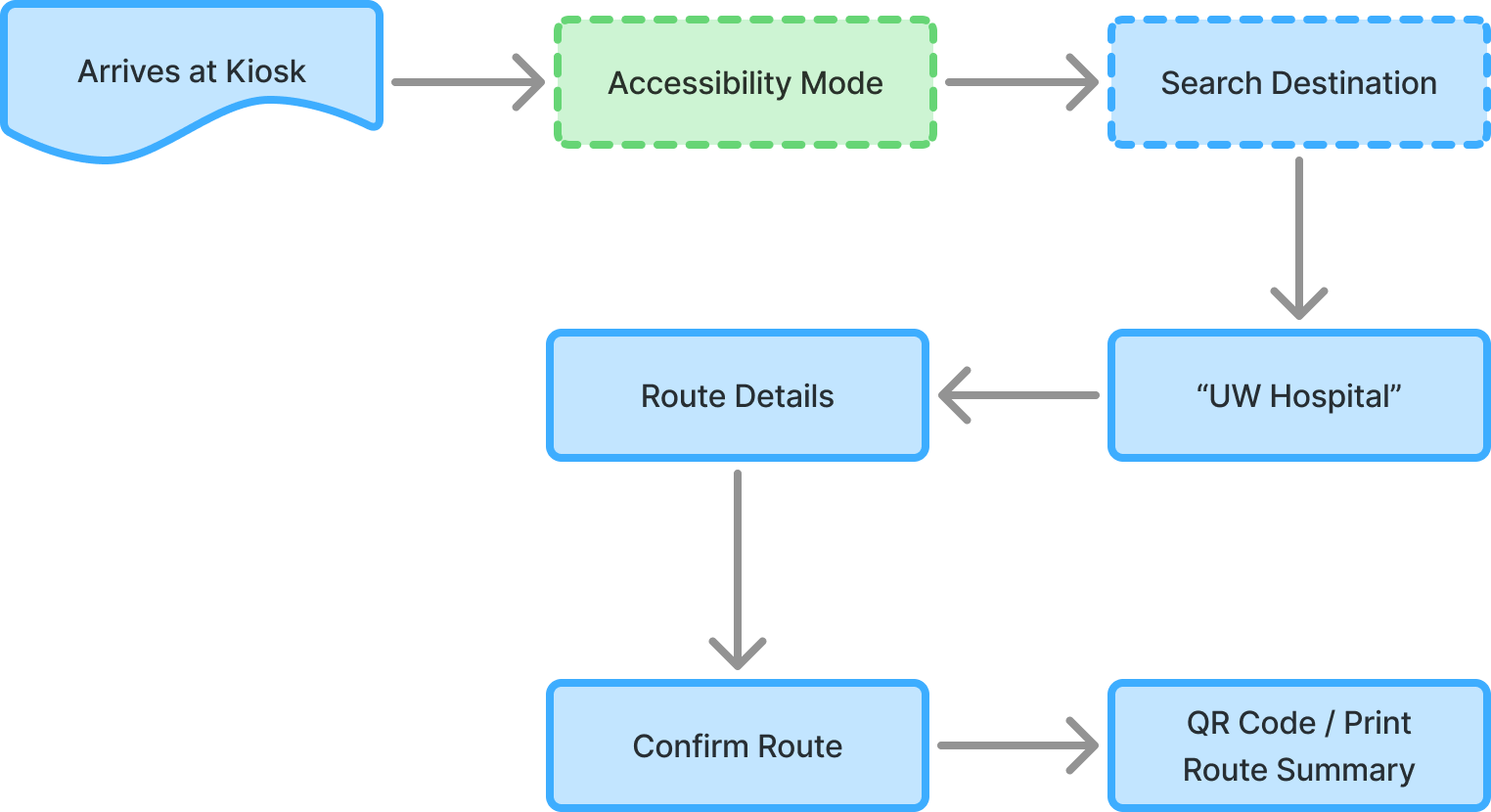
Flowchart showing steps for navigating to a healthcare destination starting with arriving at a kiosk, enabling accessibility mode, searching destination, selecting 'UW Hospital,' confirming route, and printing or scanning QR code for route summary.

User Persona: Liam / Student / 20
Scenario: Look for Nearby Attractions
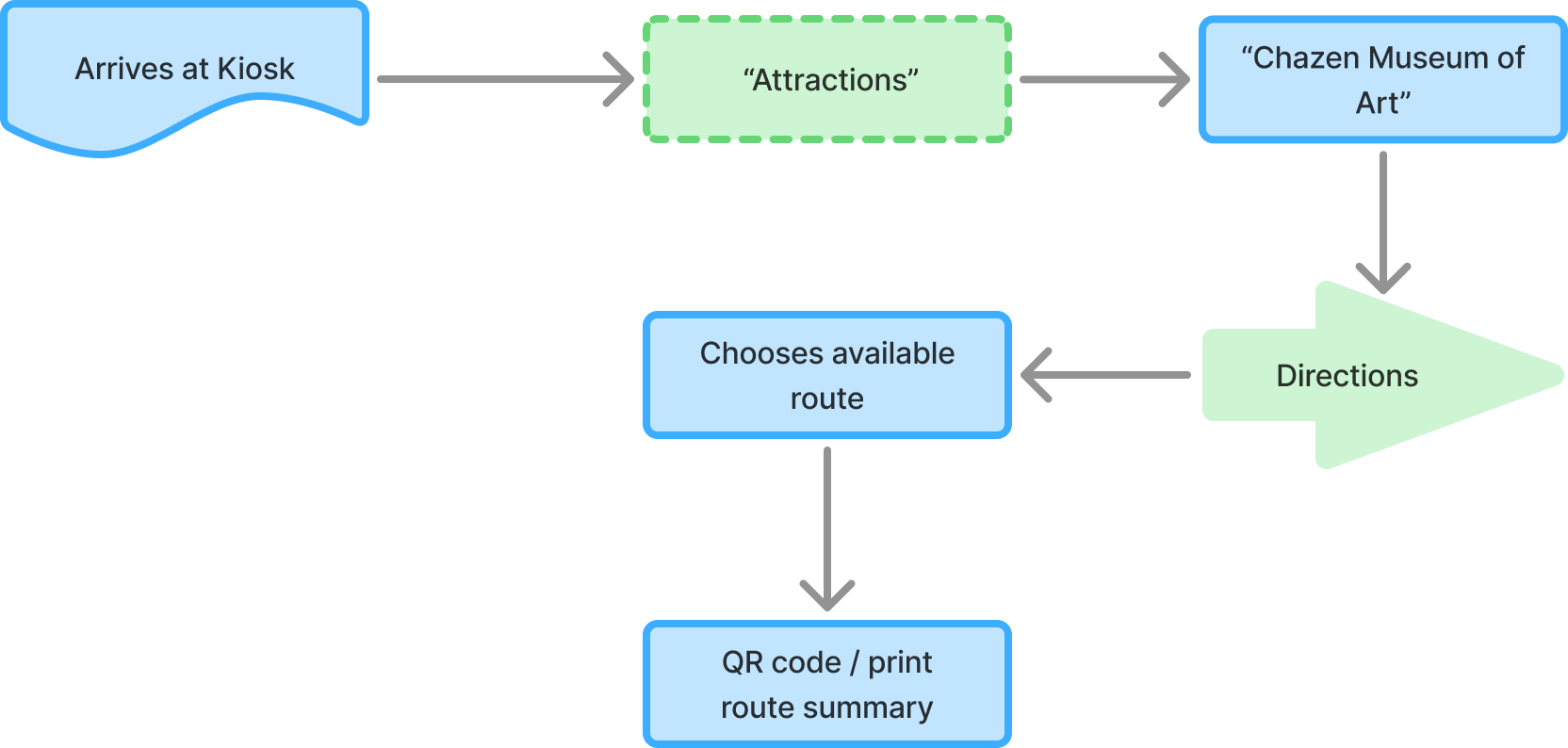
Flowchart illustrating a visitor's journey at a museum, starting with arriving at a kiosk, viewing attractions, and visiting the Chazen Museum of Art. The process includes choosing routes, getting directions, and receiving a QR code or printout for the route summary.

Wireframes

Style Tile

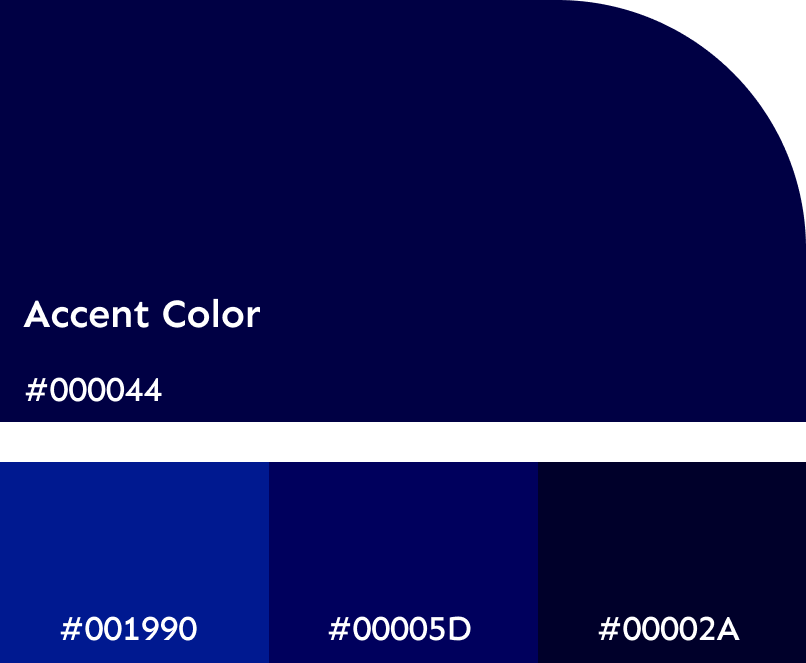
A digital color palette showing shades of blue with hexadecimal color codes, including a dark navy labeled 'Accent Color' #000044, and three lighter blue shades #001990, #00005D, and #00002A.
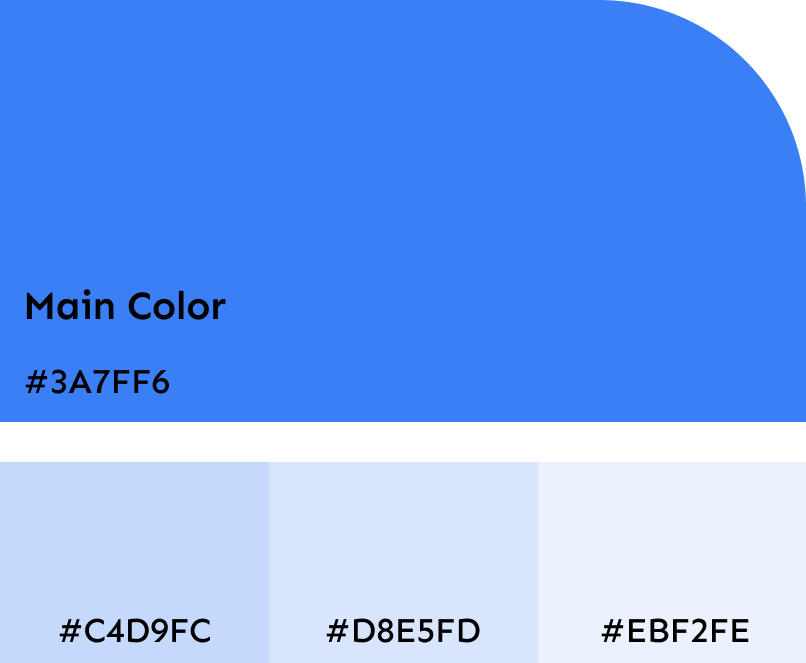
A color palette featuring a main blue color with the hex code #3A7FF6, alongside four additional swatches in varying shades of blue and gray.
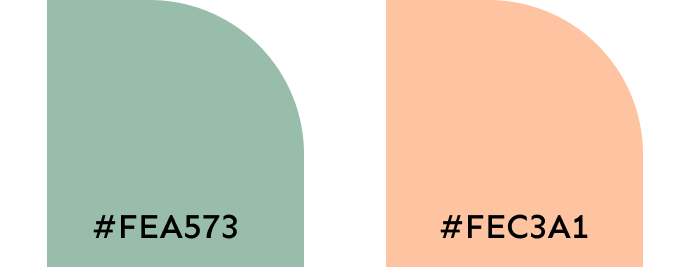
Image of two semicircles with hex color codes #FEA573 and #FEC3A1.
Page from a reading primer showing the sentence 'The quick brown fox' with illustrations of a fox, a bird, and a dog.
Minimalist, colorful illustration of a ladybug with orange wings, yellow spots, green body, and black head, set against a white background.
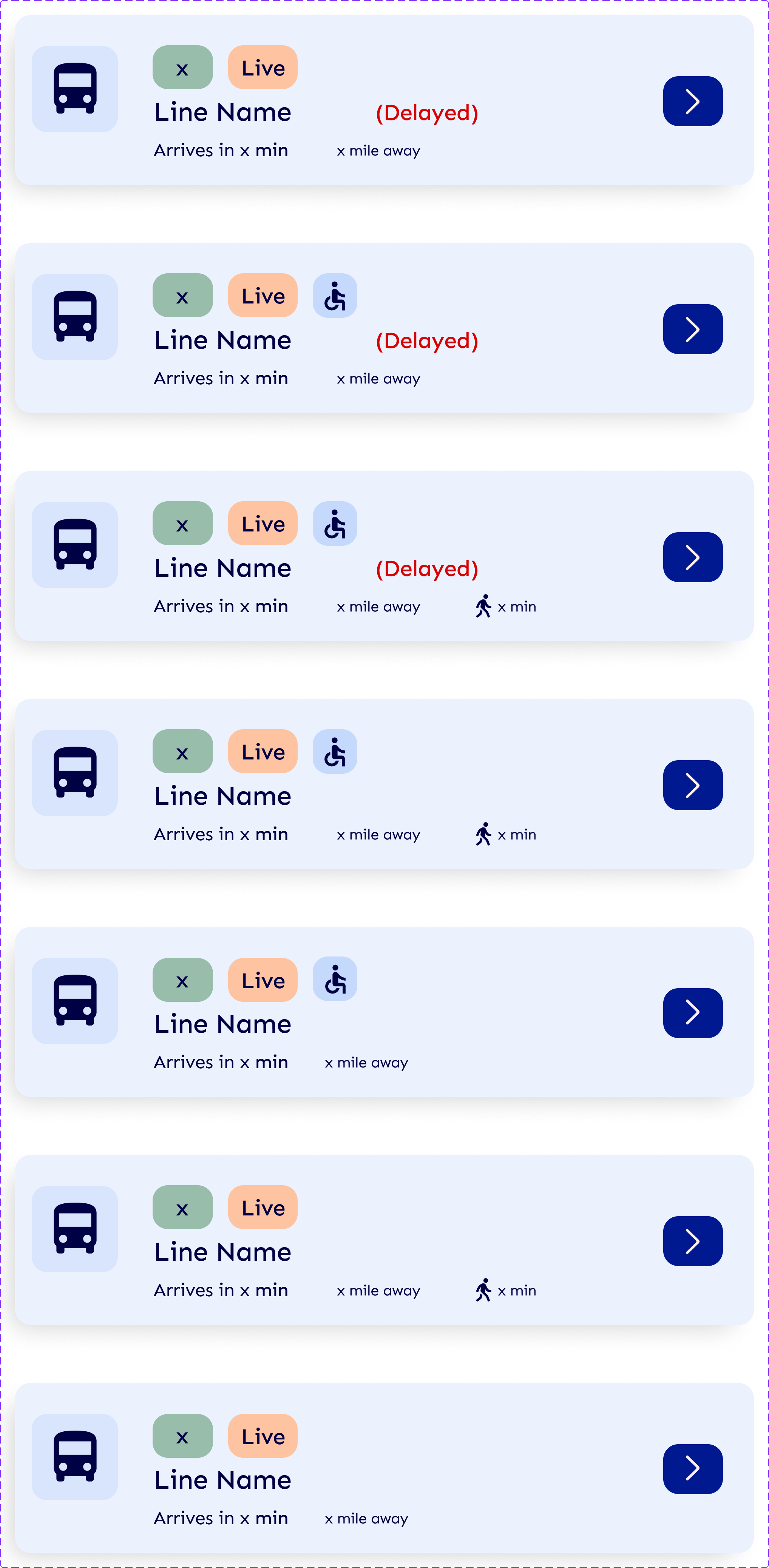
Series of transit app interface cards displaying bus line information, with icons for bus, live status, accessibility, and walk icon, some marked as delayed.
Logo with the text 'WayFlow' in dark blue over a black background.
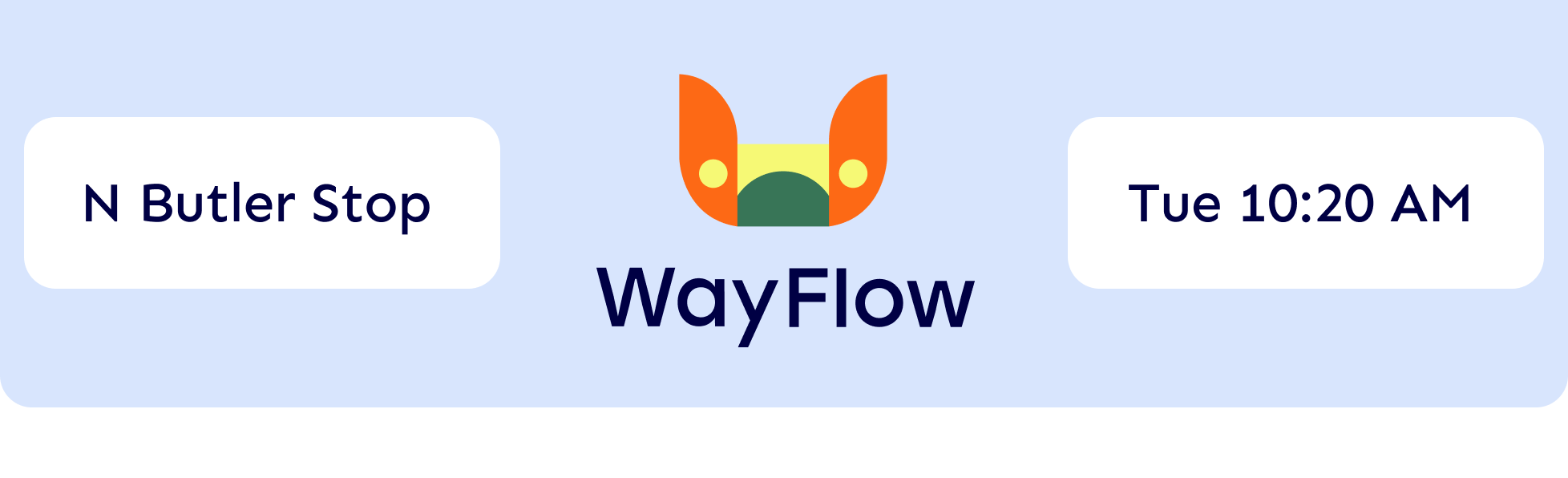
Public transit itinerary screen displaying route from N Butler Stop to WayFlow on Tuesday at 10:20 AM, with a stylized butterfly logo.
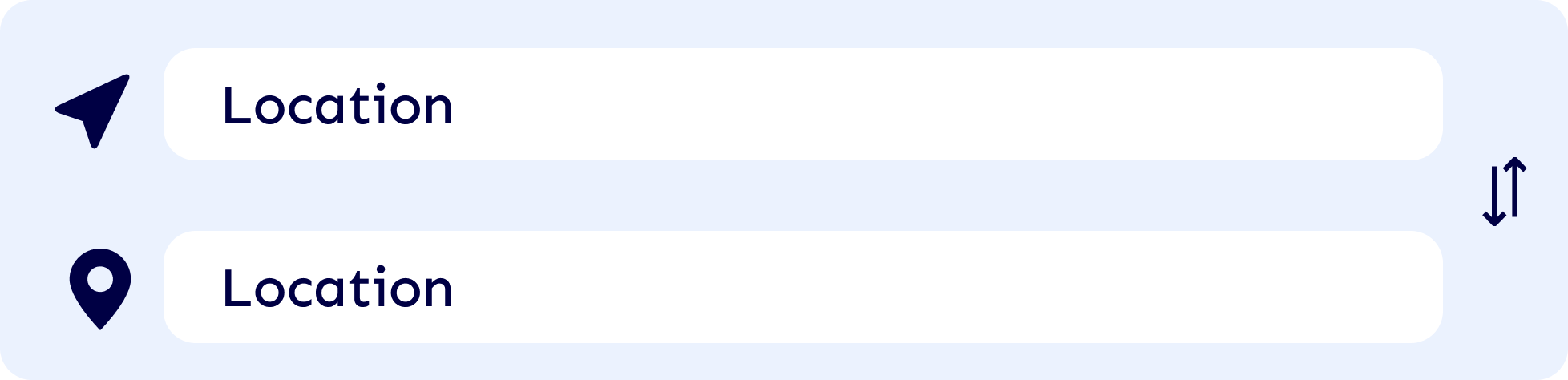
Screenshot of a mobile app interface with two sections labeled 'Location'. The first section has a paper airplane icon, and the second section has a map pin icon.
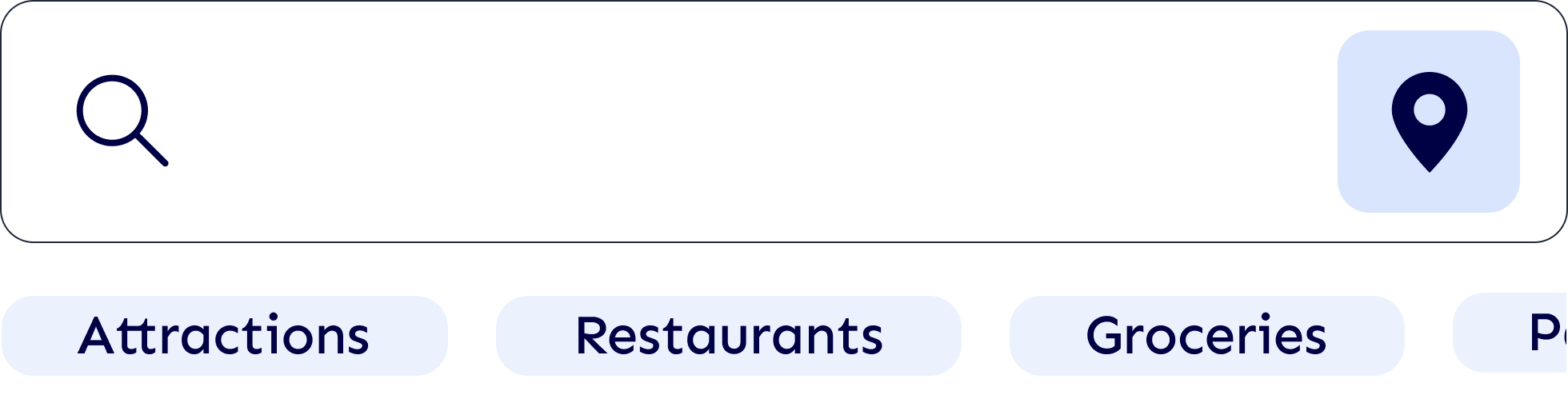
A search bar with a magnifying glass icon on the left and a location icon on the right, with category buttons below labeled Attractions, Restaurants, Groceries, and Parking.
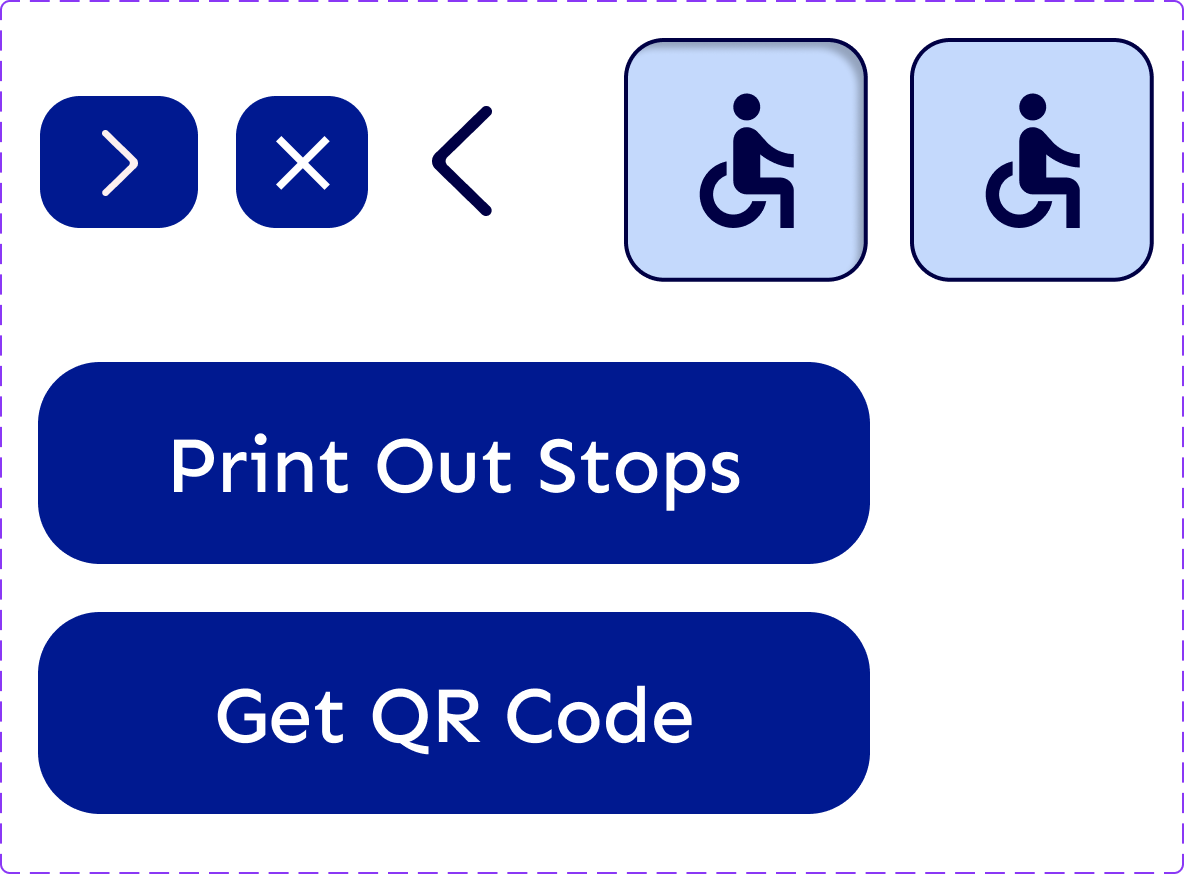
Screen displaying options to print stop lists or get a QR code, with icons for disabled access and navigation buttons.
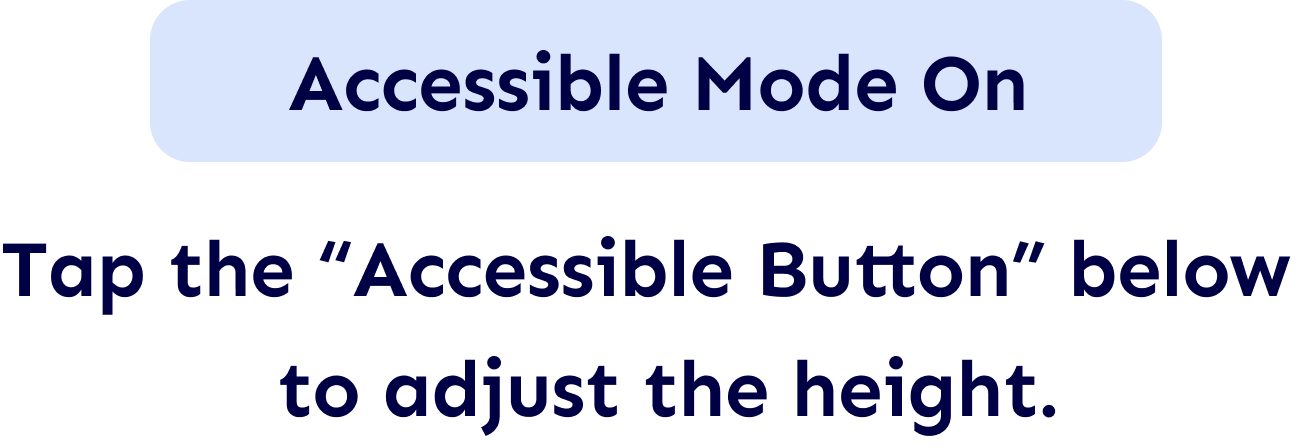
Screen with instructions: 'Accessible Mode On'. Tap the 'Accessible Button' below to adjust the height.
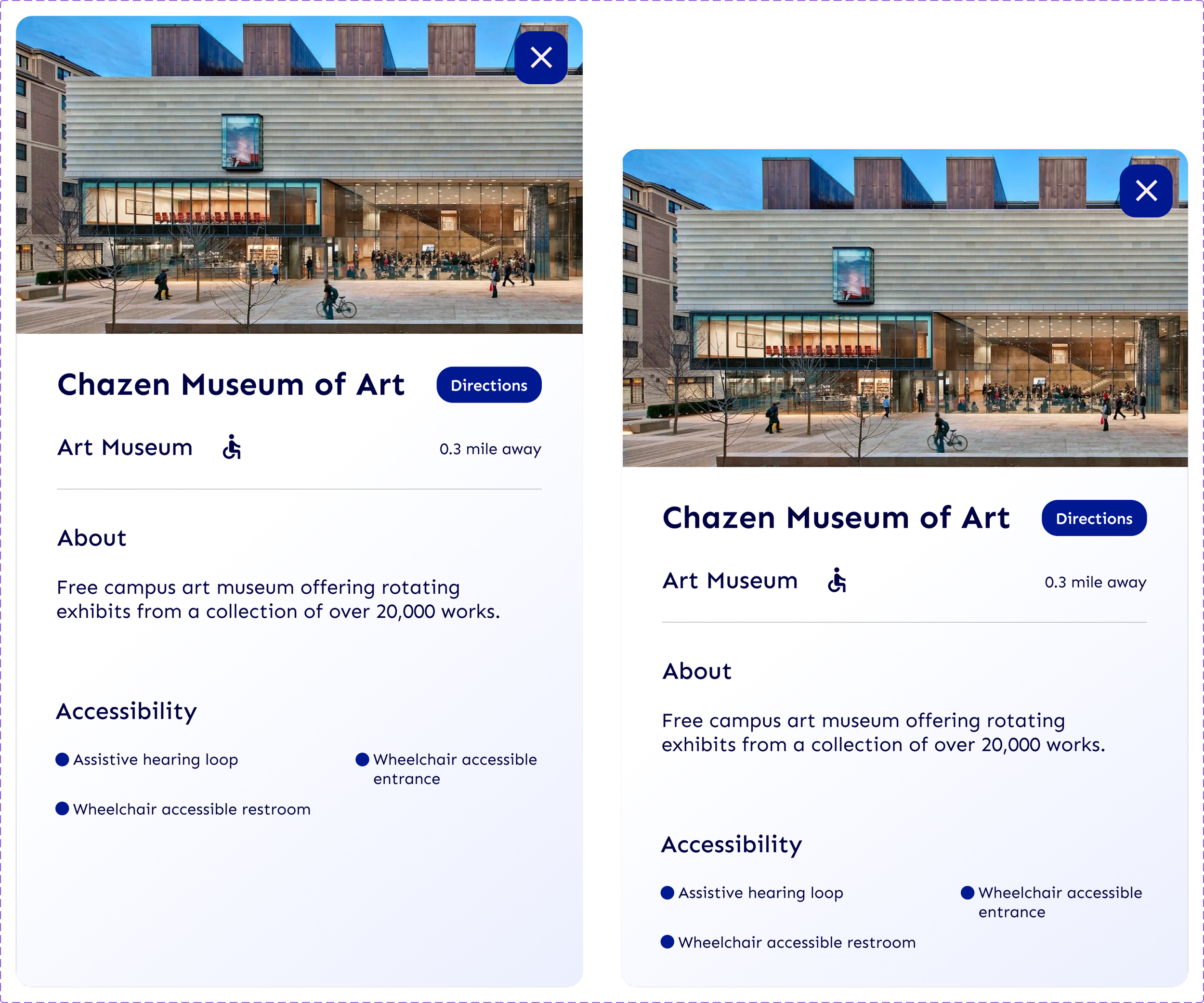
Component of two digital screens displaying information about the Chazen Museum of Art, including a photograph of the museum's exterior, name, directions button, distance, and accessibility features listed.

Next Steps

For the next steps, I plan to enhance WayFlow by adding additional accessibility options such as multilingual support, audio guidance, and improved route recommendations. These improvements will help create a more inclusive, intuitive, and user-centered transit experience.

View More
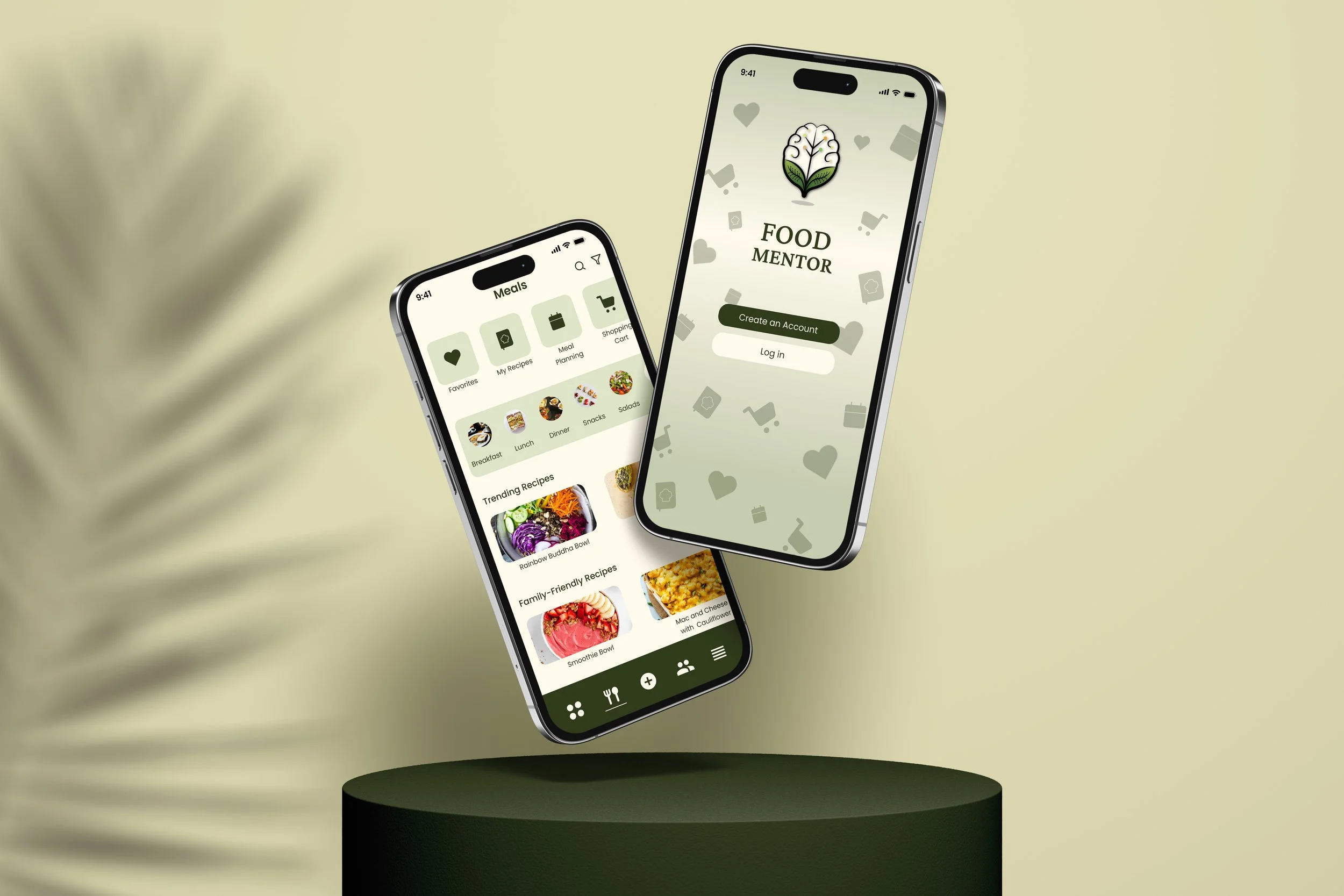
Food Mentor

Nutrition Tracking App
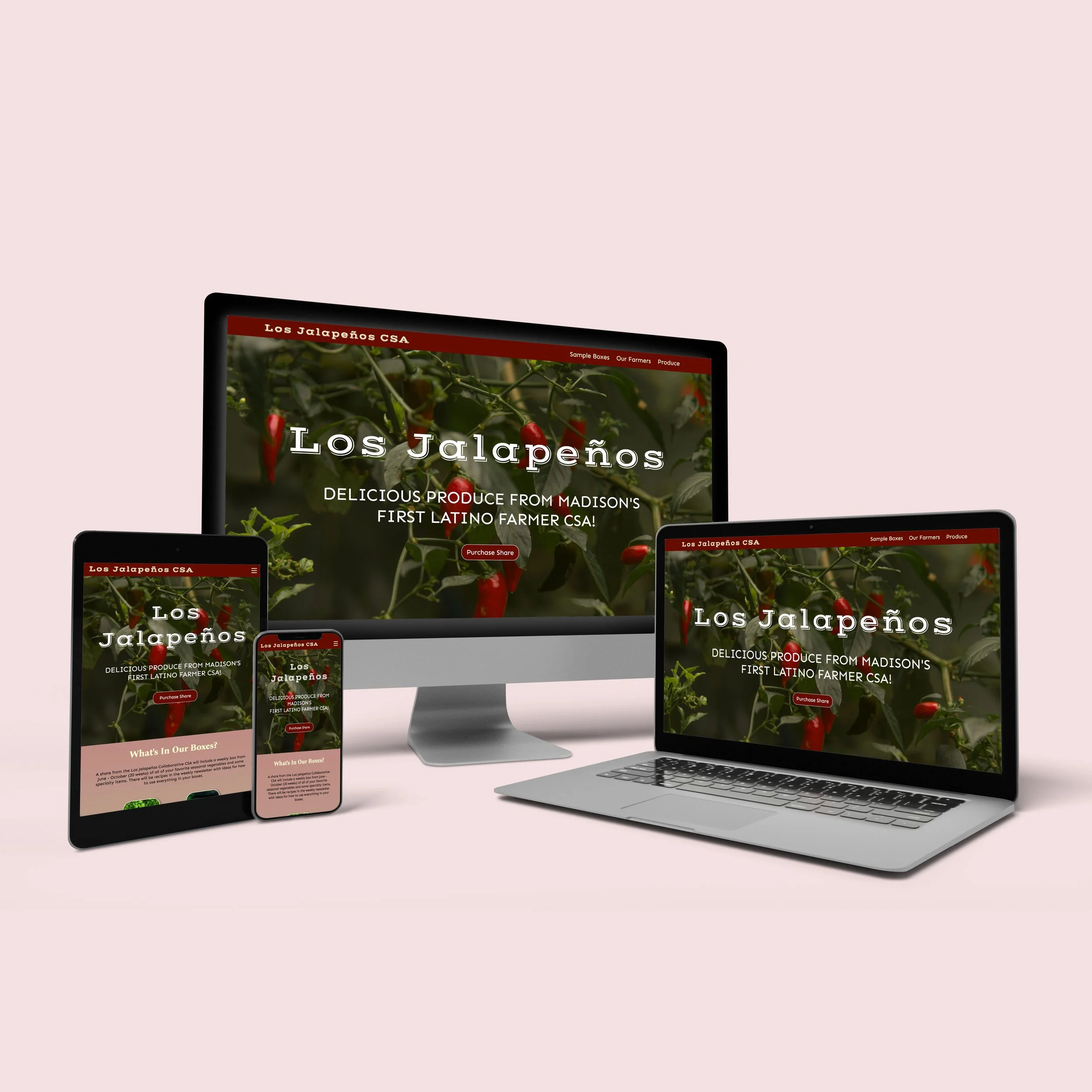
Los Jalapeños

Responsive Website Design