Madison Children’s Museum App
Interactive Museum Navigation System

Overview
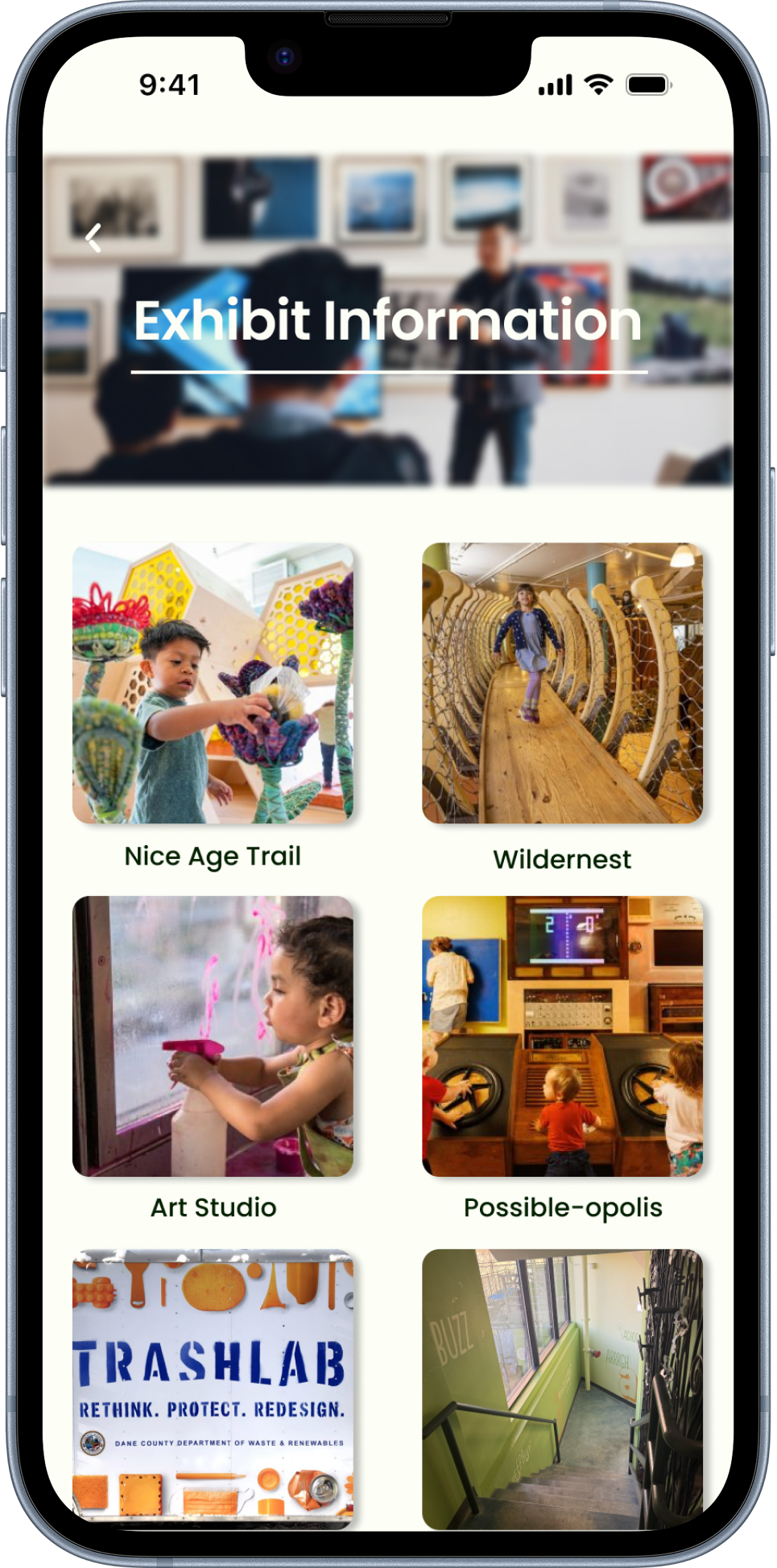
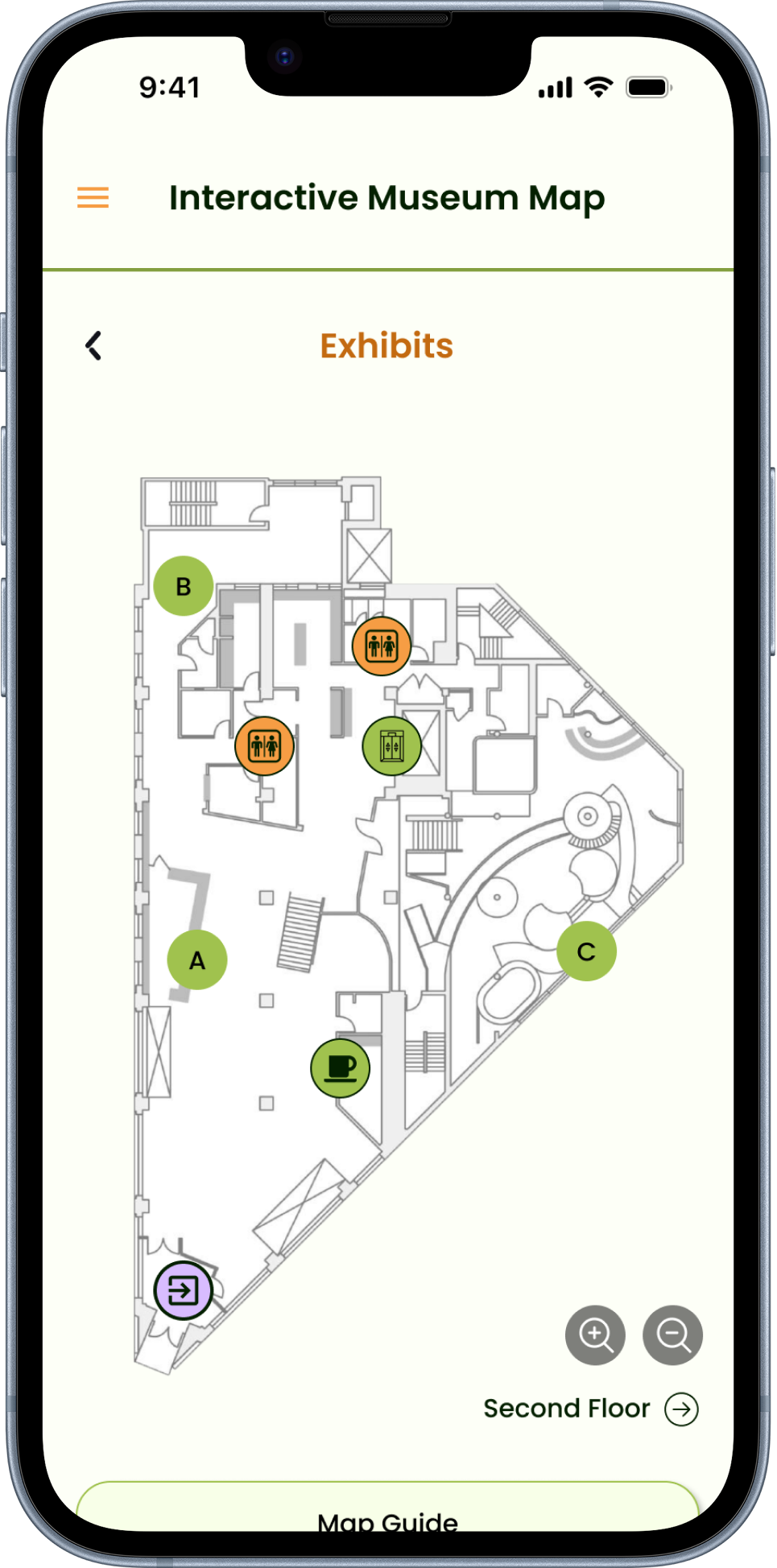
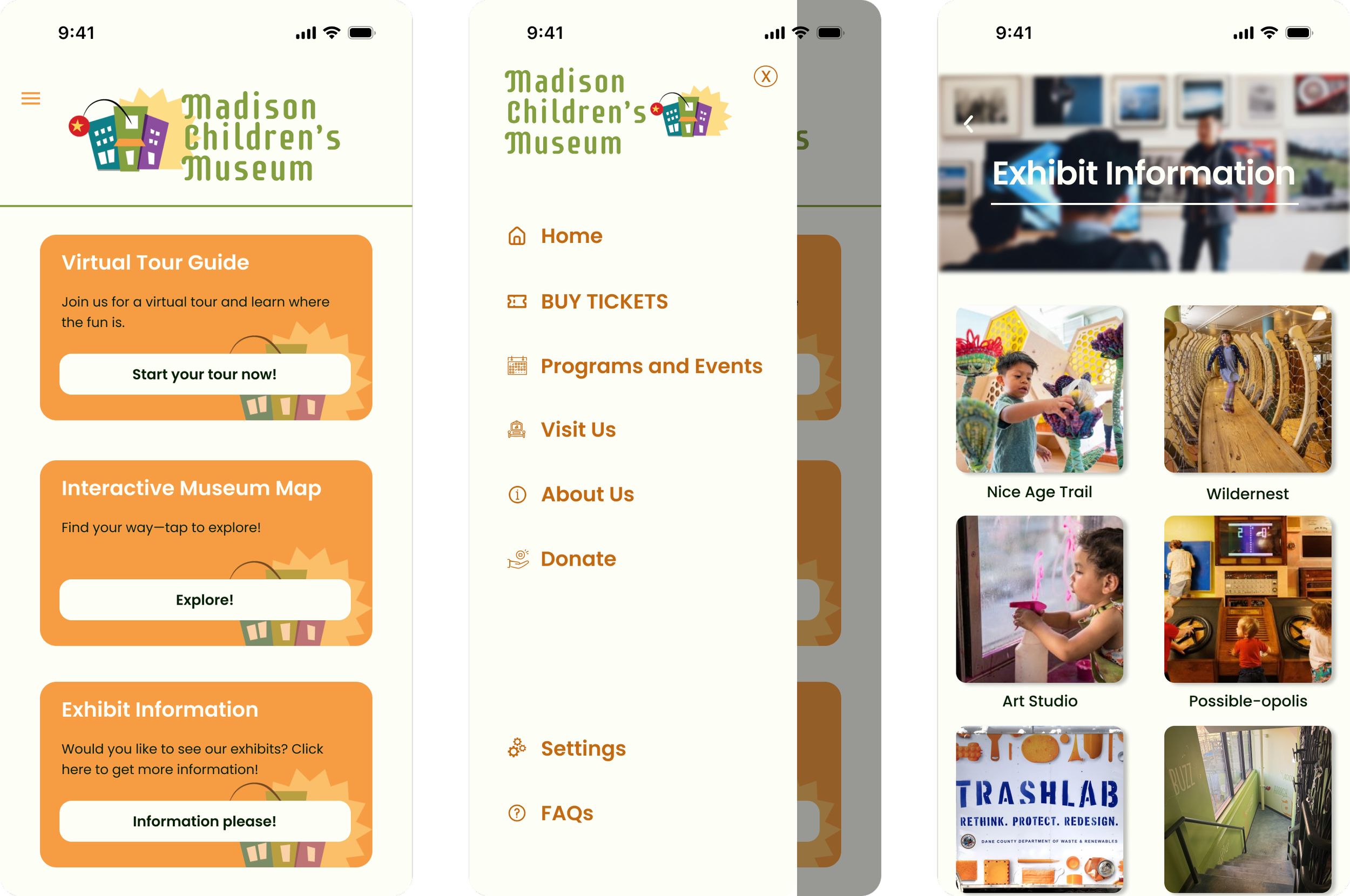
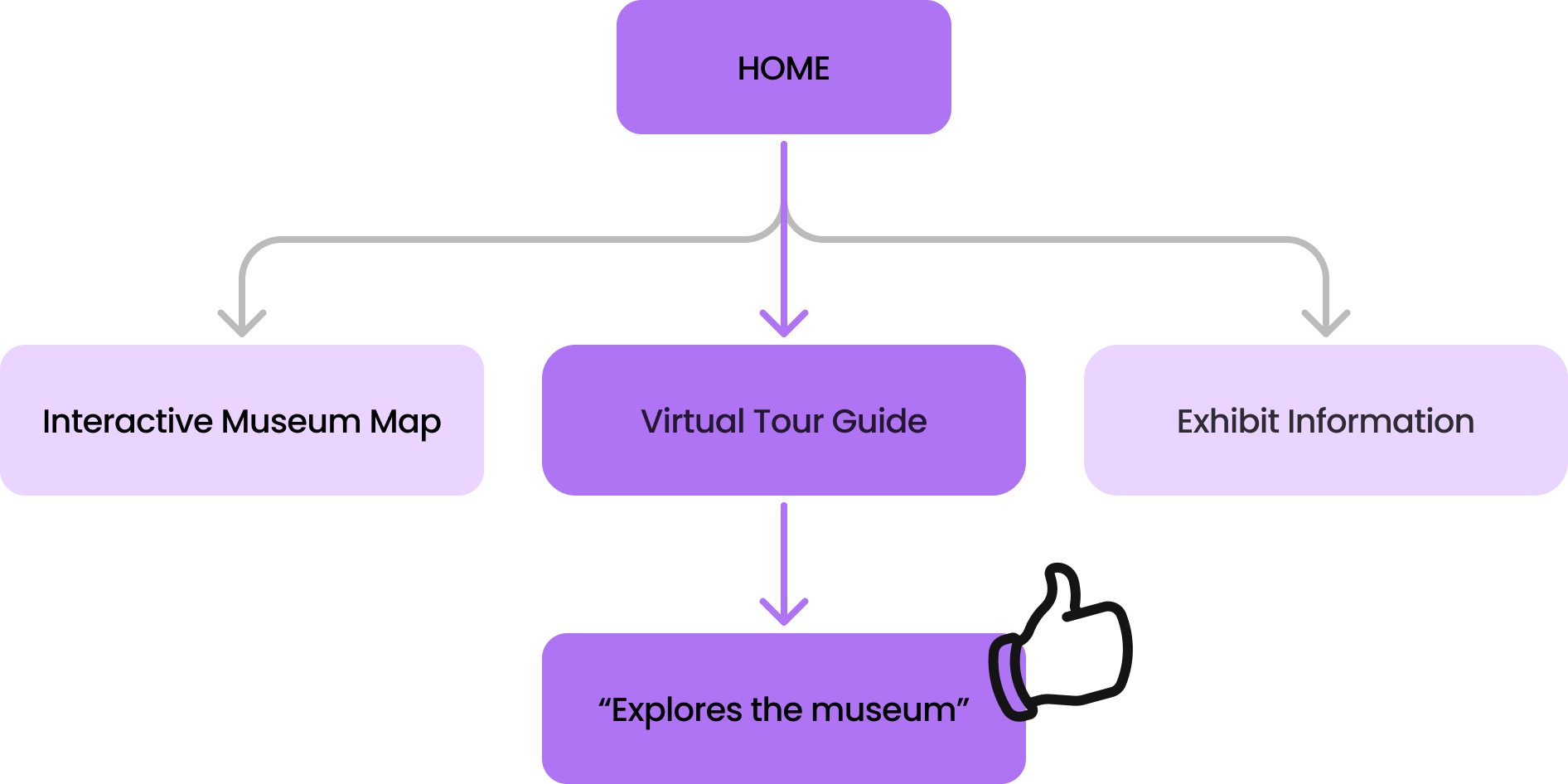
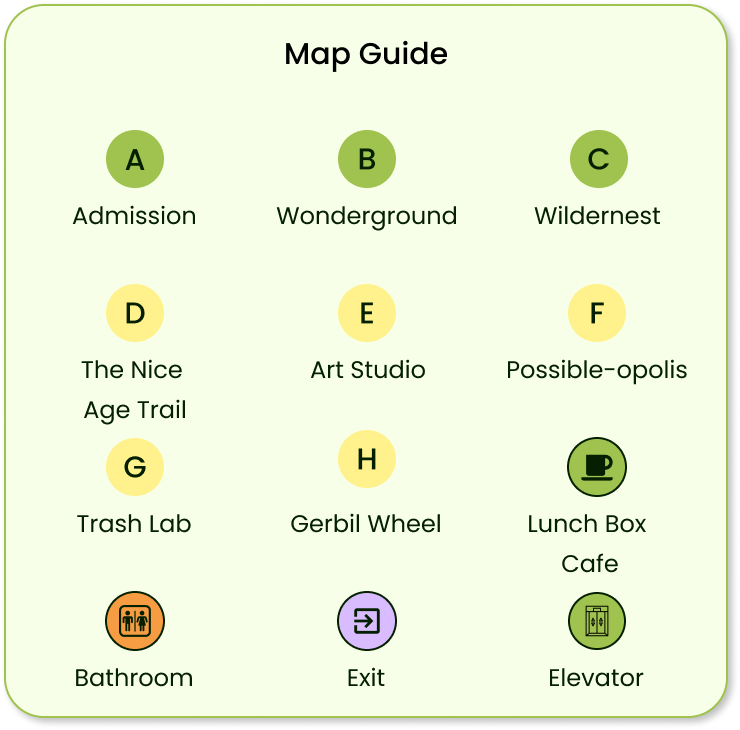
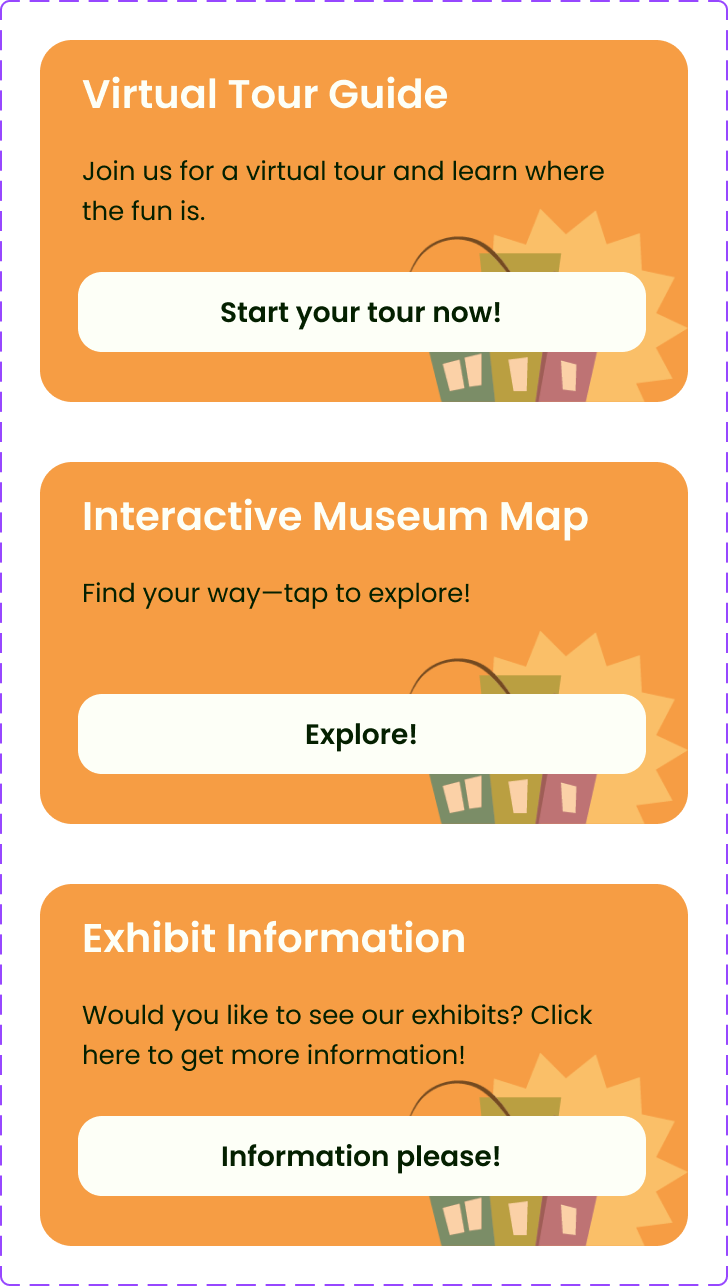
This app project was created for the Madison Children’s Museum to enhance the visitor experience through an interactive and user-friendly design. The main goal of this project was to help families and children navigate the museum more easily and engage with exhibits in a fun and educational way. Key features of the app include an interactive museum map, a virtual tour guide and exhibit information.
Problems
The museum’s existing website was outdated and heavily text-based.
Parents didn’t have time to read long descriptions to find essential information.
Families struggled to understand which exhibits were suitable for their children.
Lack of visual guidance made navigating the museum confusing and time-consuming.
Solutions
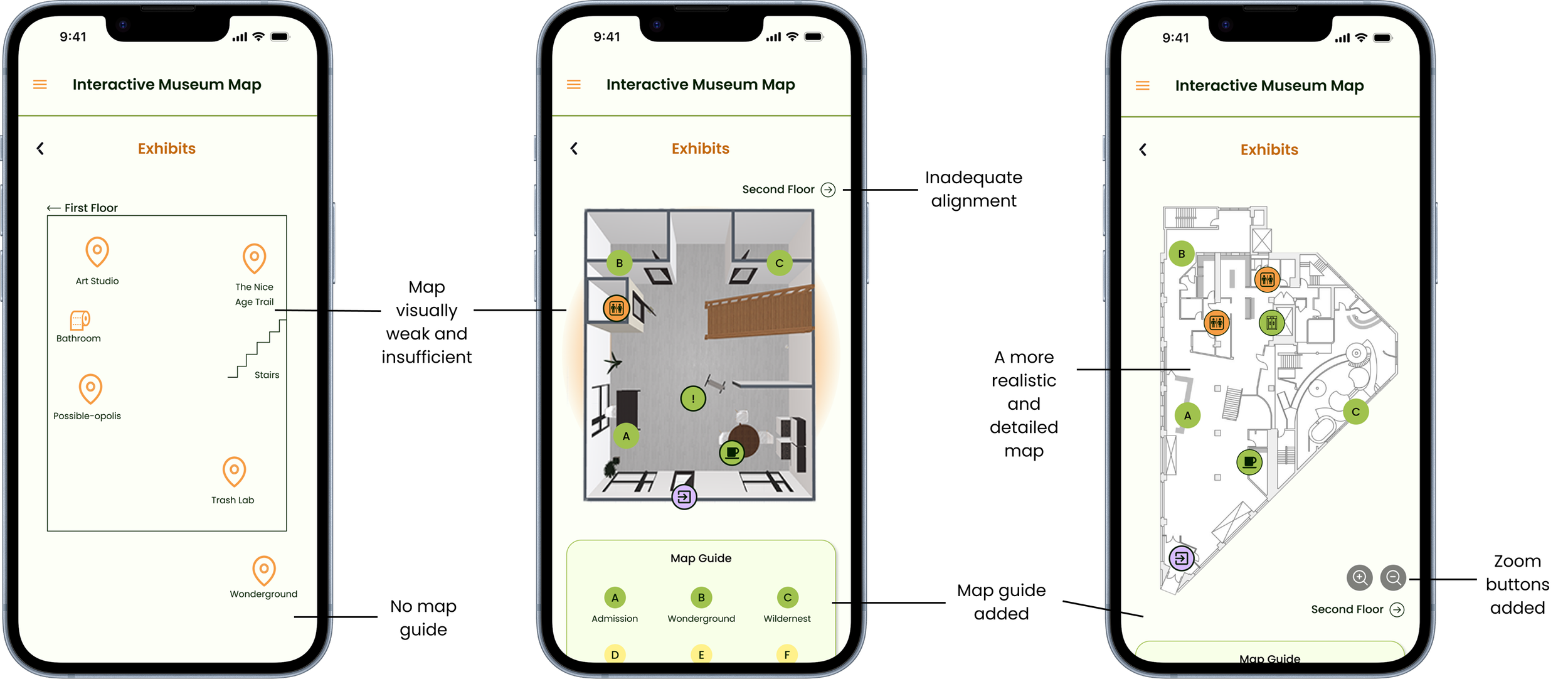
Designed an interactive museum map to help families navigate easily.
Created an engaging virtual tour guide that allows users to explore the museum visually.
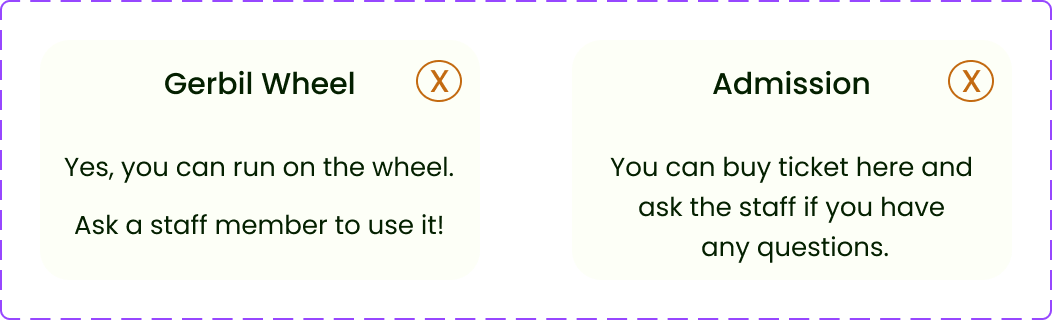
Developed streamlined exhibit information pages with quick, clear details for parents.
Enabled families to plan their visit more efficiently and create a smoother, more enjoyable experience for children.
Wireframes
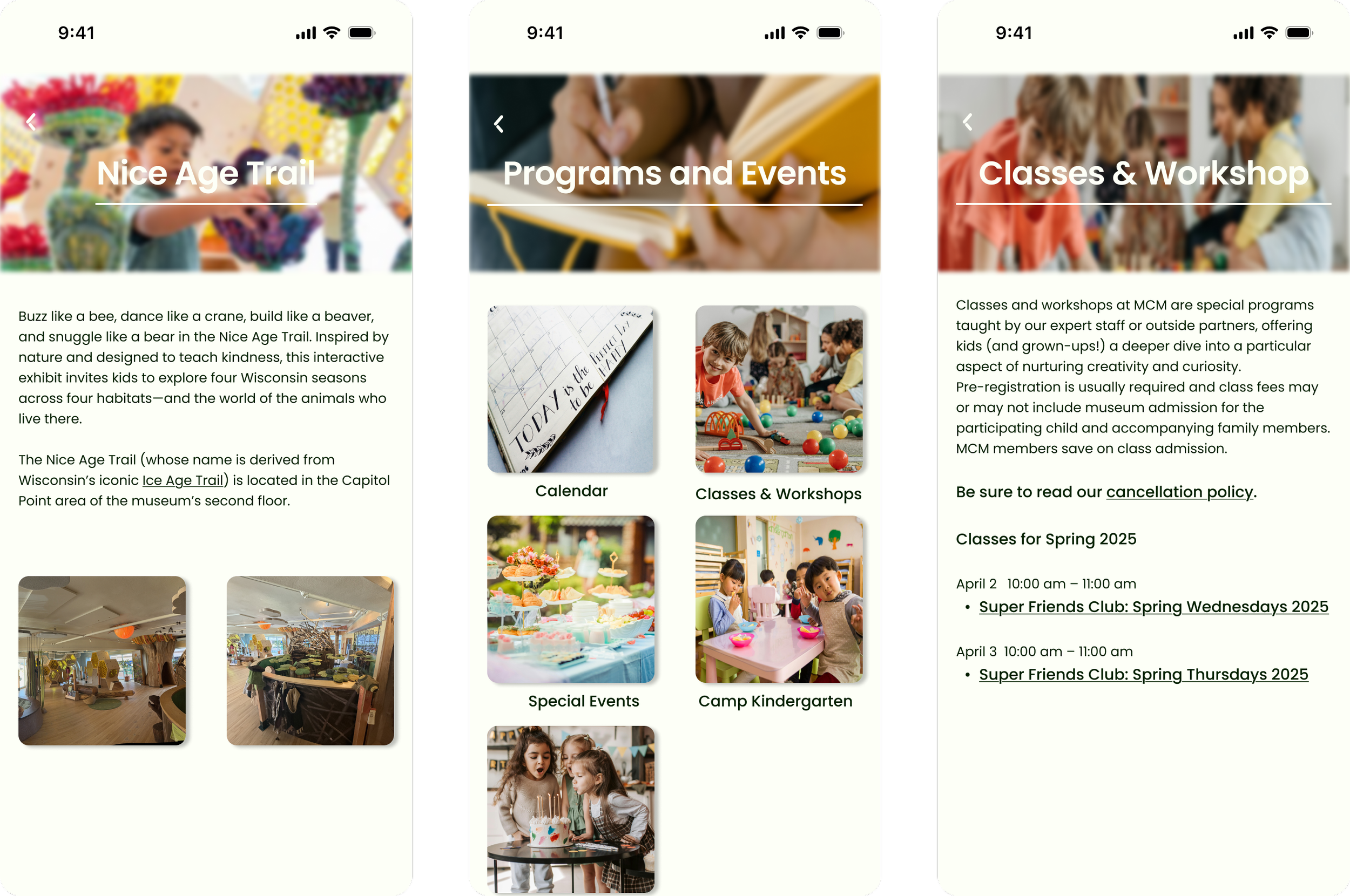
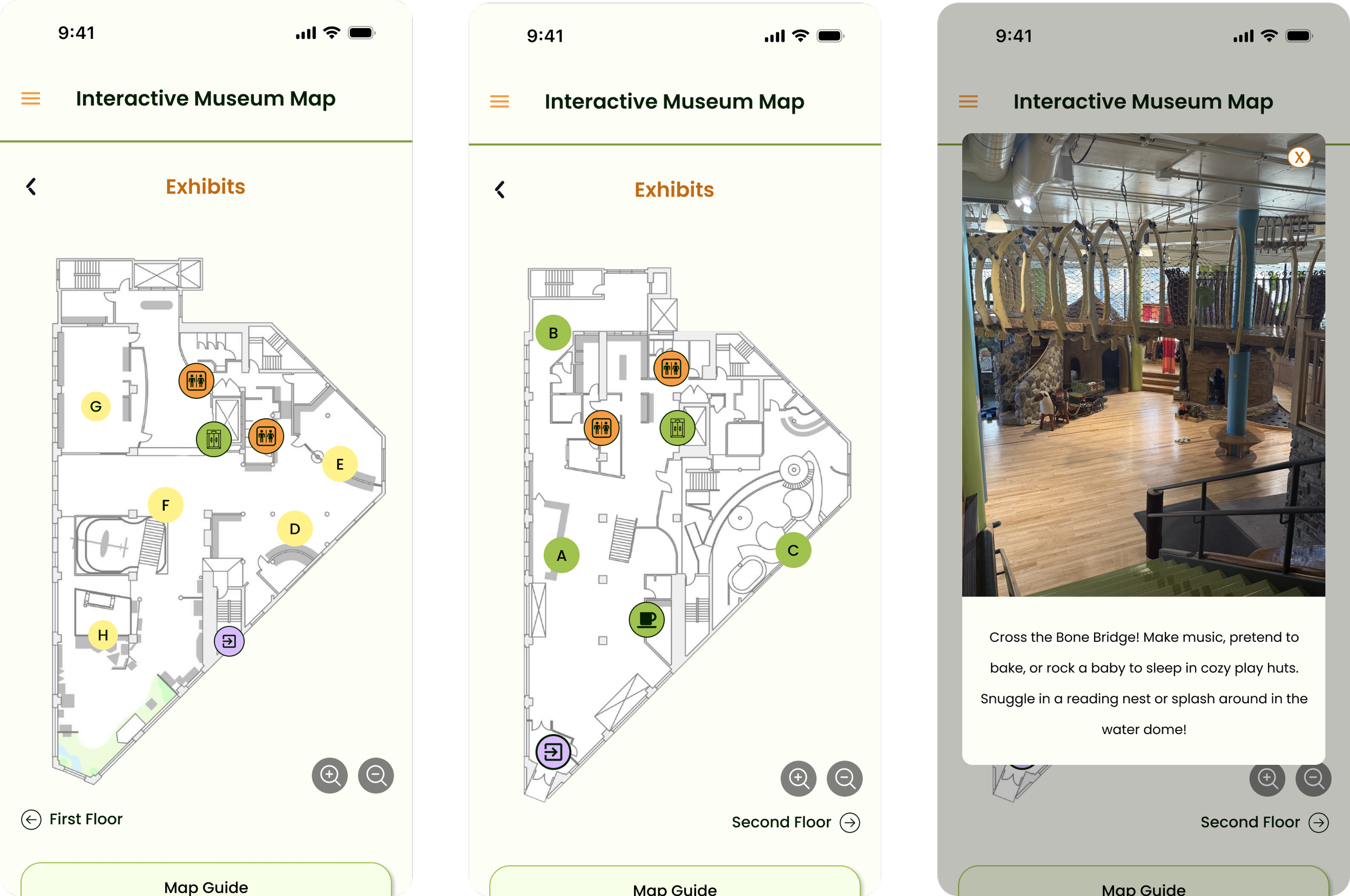
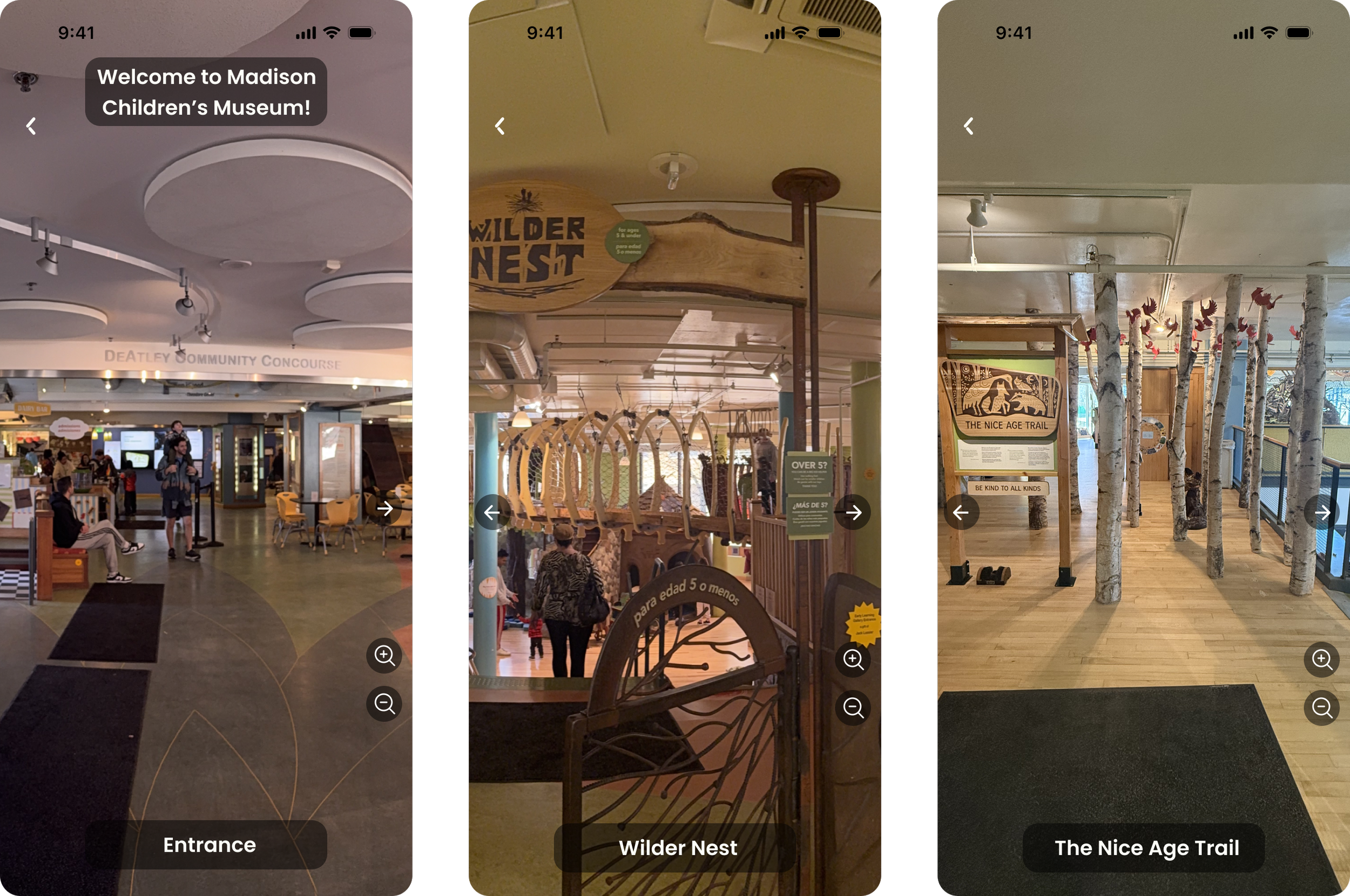
User Personas
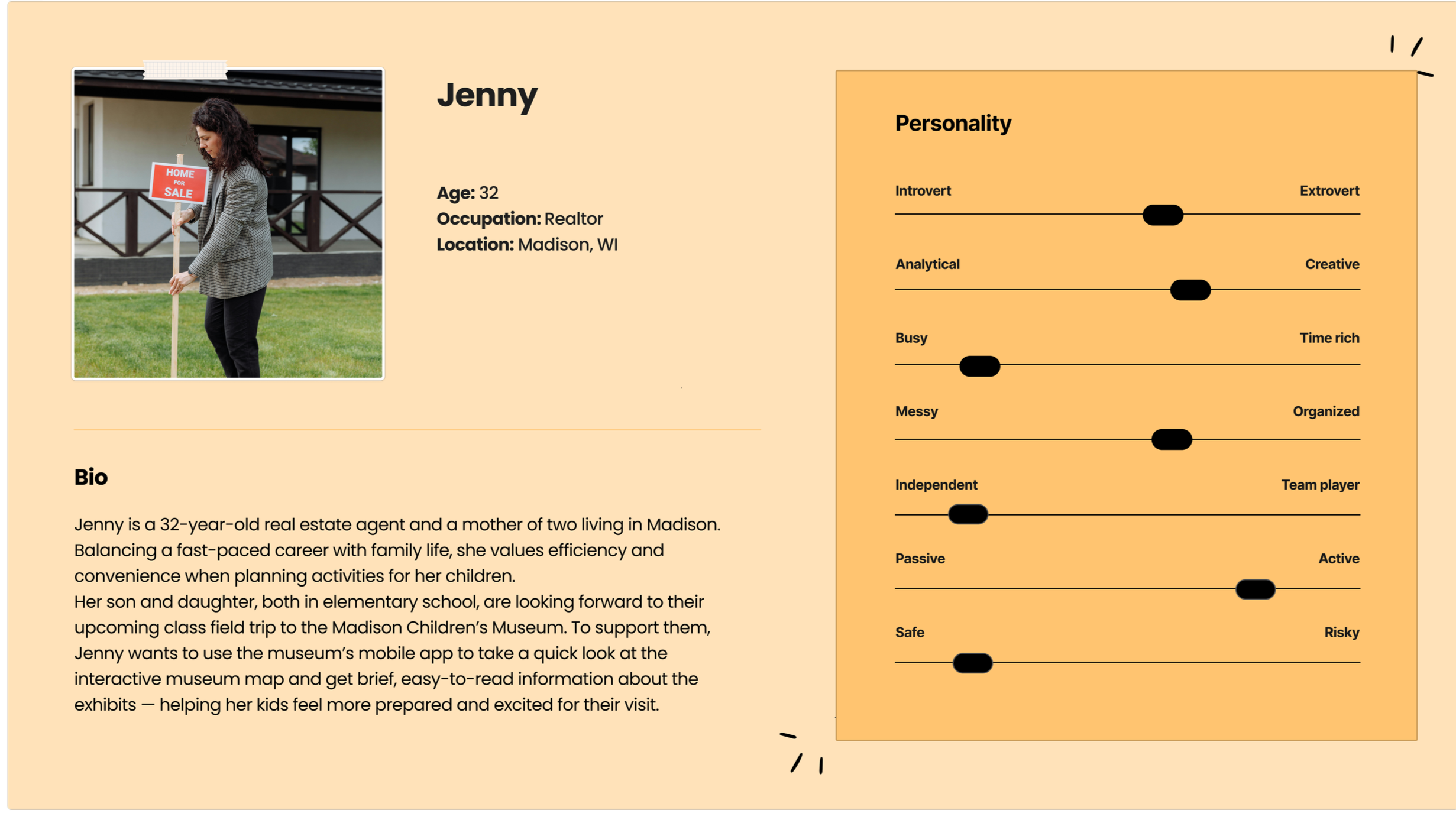
User Flows
Persona: Jenny
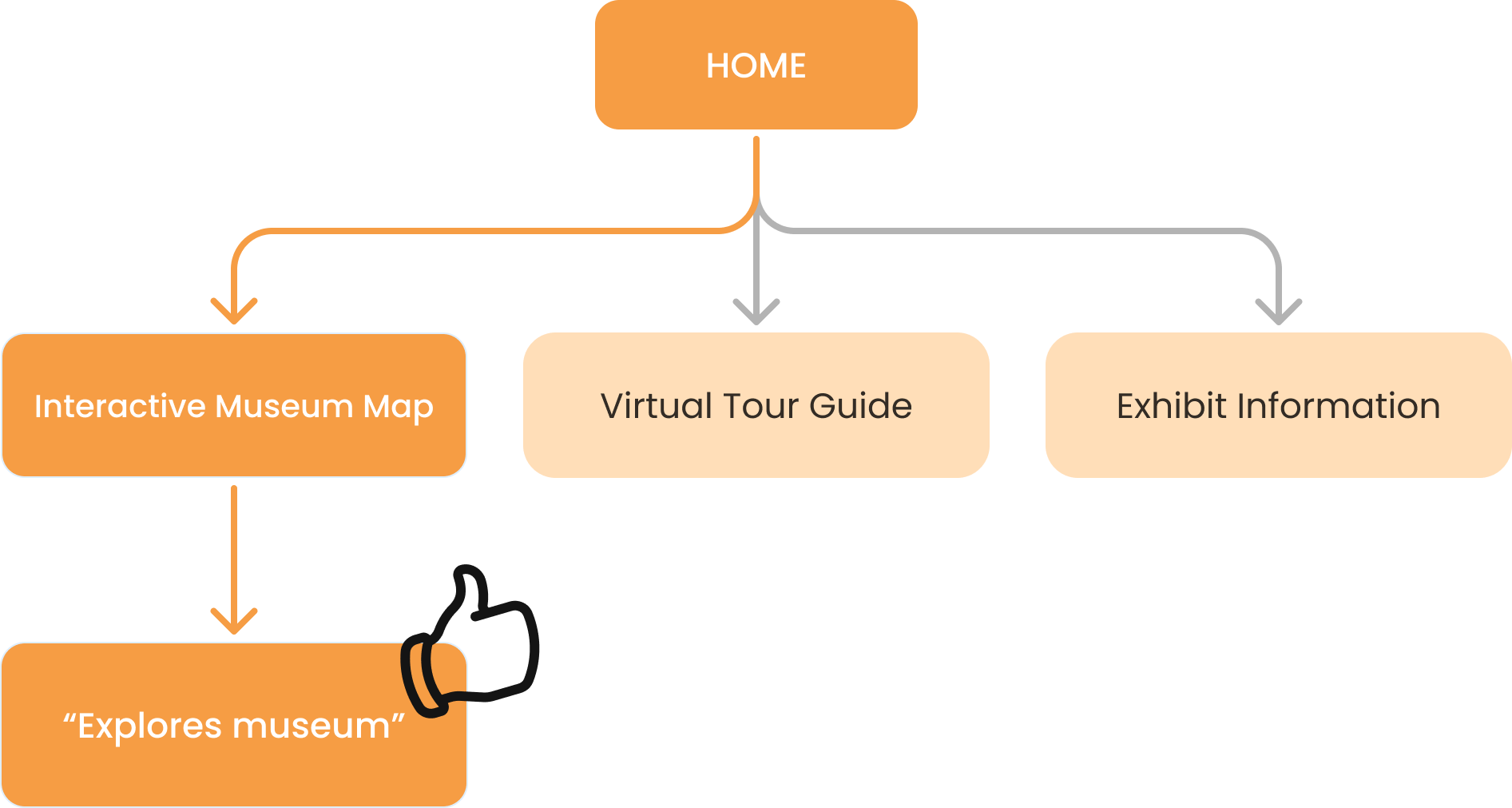
Her son and daughter, both in elementary school, are looking forward to their upcoming class field trip to the Madison Children’s Museum. To support them, Jenny wants to use the museum’s mobile app to take a quick look at the interactive museum map and get brief, easy-to-read information about the exhibits, helping her kids feel more prepared and excited for their visit.
Persona: Mark
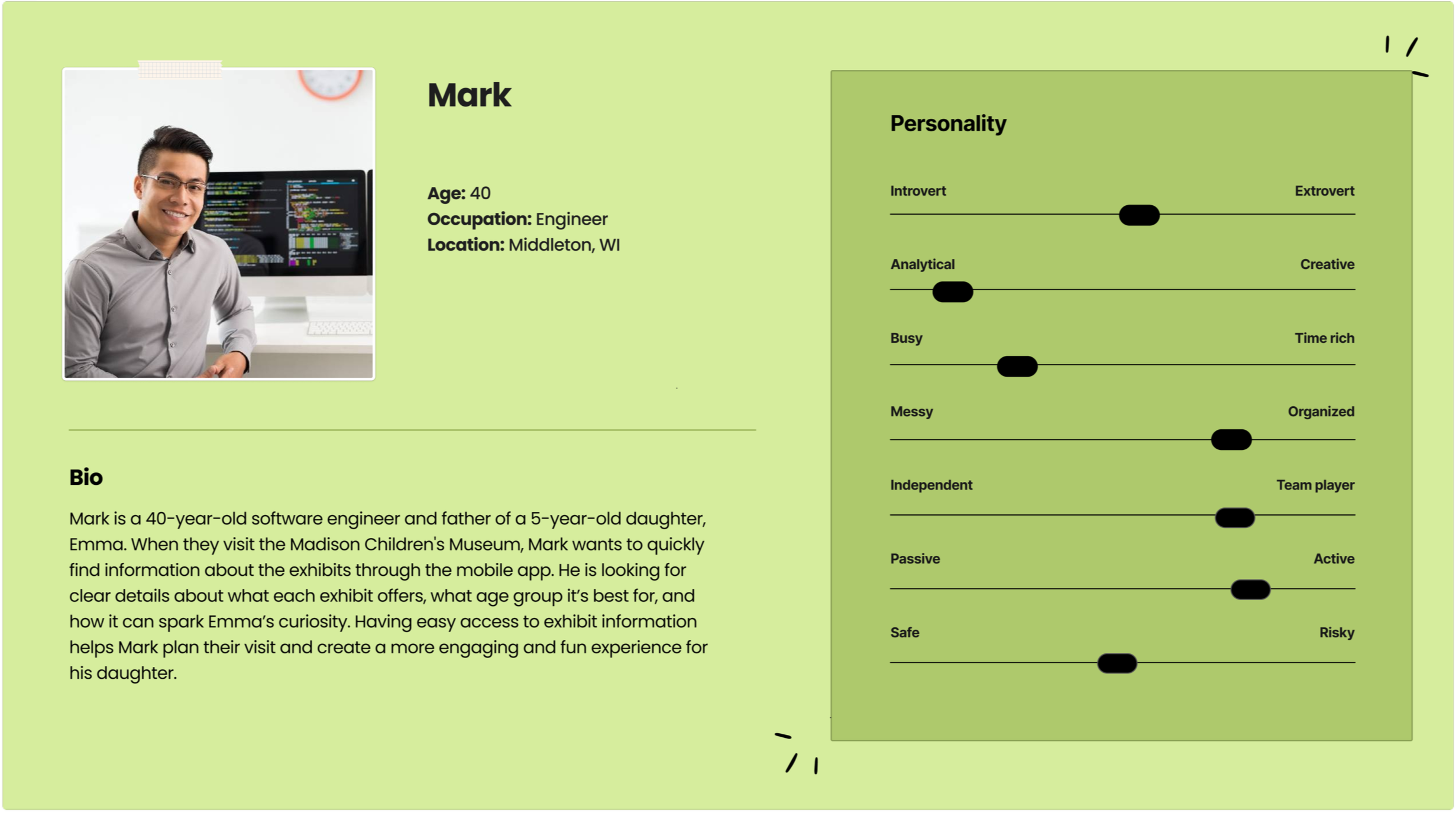
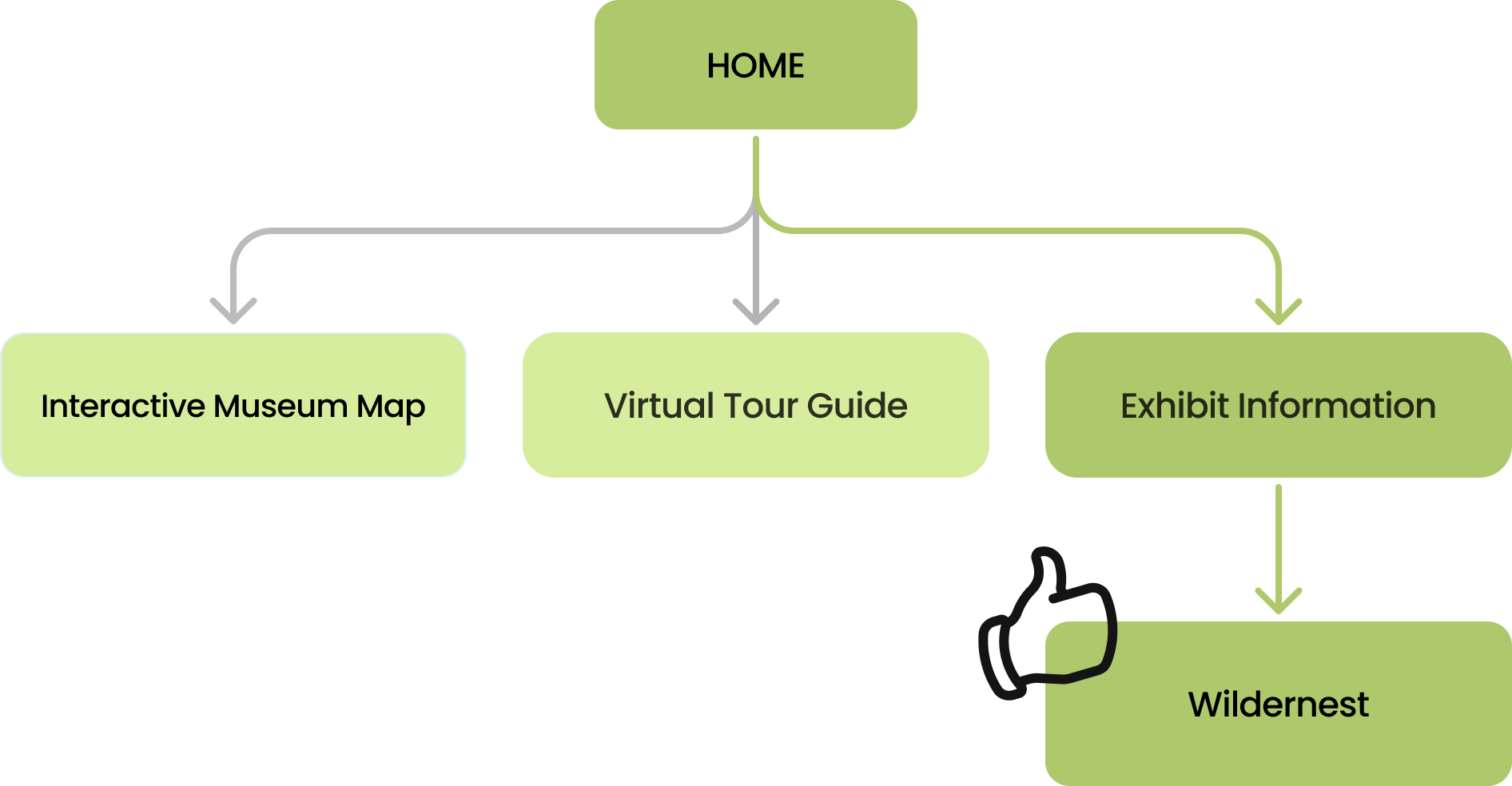
Mark wants to quickly find information about the exhibits through the mobile app. He is looking for clear details about what each exhibit offers, what age group it’s best for, and how it can spark Emma’s curiosity. Having easy access to exhibit information helps Mark plan their visit and create a more engaging and fun experience for his daughter.
Persona: Olivia
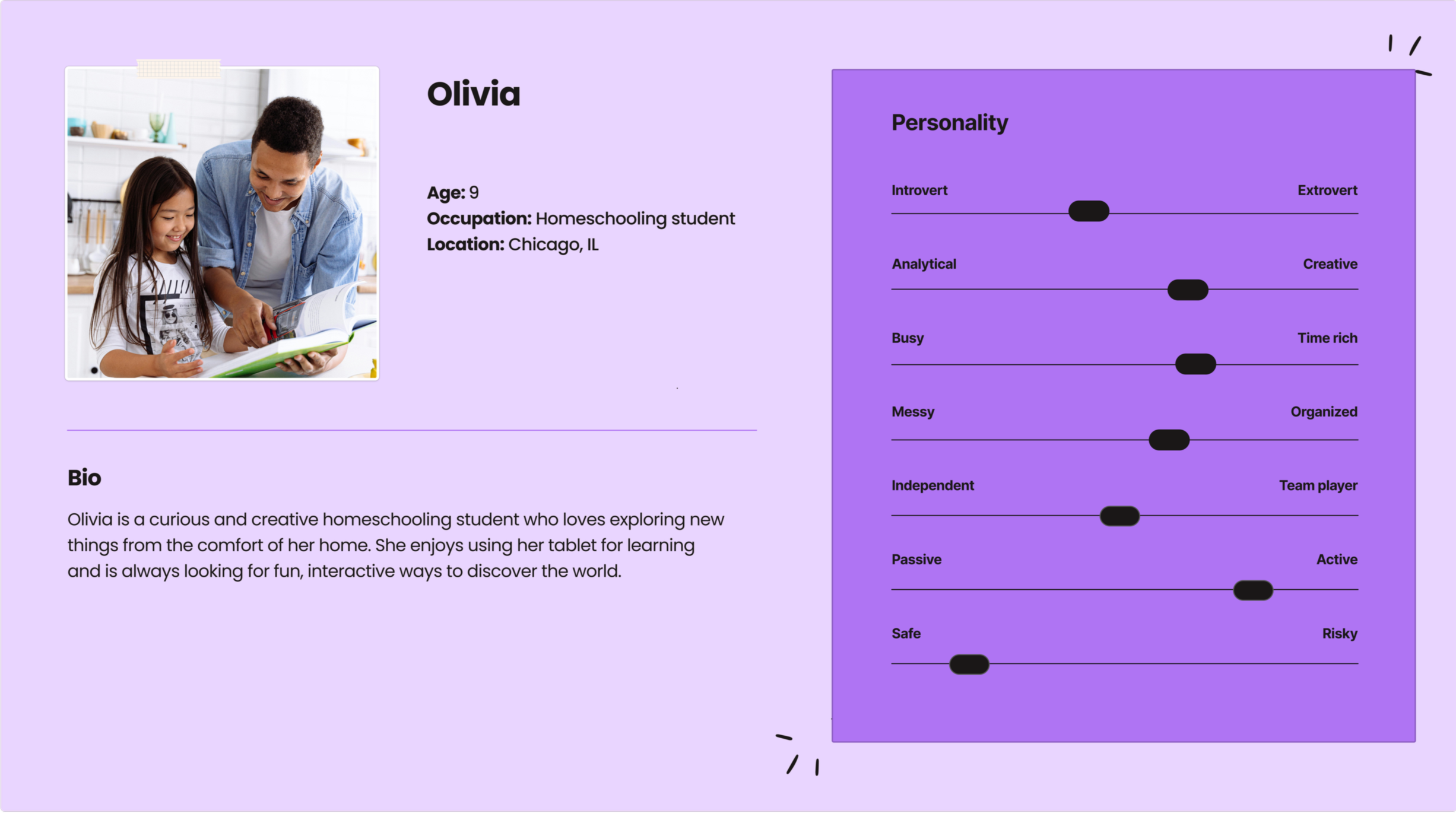
Olivia is a curious and creative homeschooling student who loves exploring new things from the comfort of her home. She enjoys using her tablet for learning and is always looking for fun, interactive ways to discover the world.
Iterations
Final
1st
2nd
Style Tile


Next Steps
The next phase of development focuses on creating a more seamless connection between the interactive museum map and the virtual tour guide. Users will be able to select a location on the interactive map and tap a “Take Me There” button, which will transition them directly into the virtual tour guide and display a clear path toward their chosen exhibit. This enhancement will provide more intuitive wayfinding, reduce confusion for first-time visitors, and support families as they navigate the museum with confidence and ease.
View More
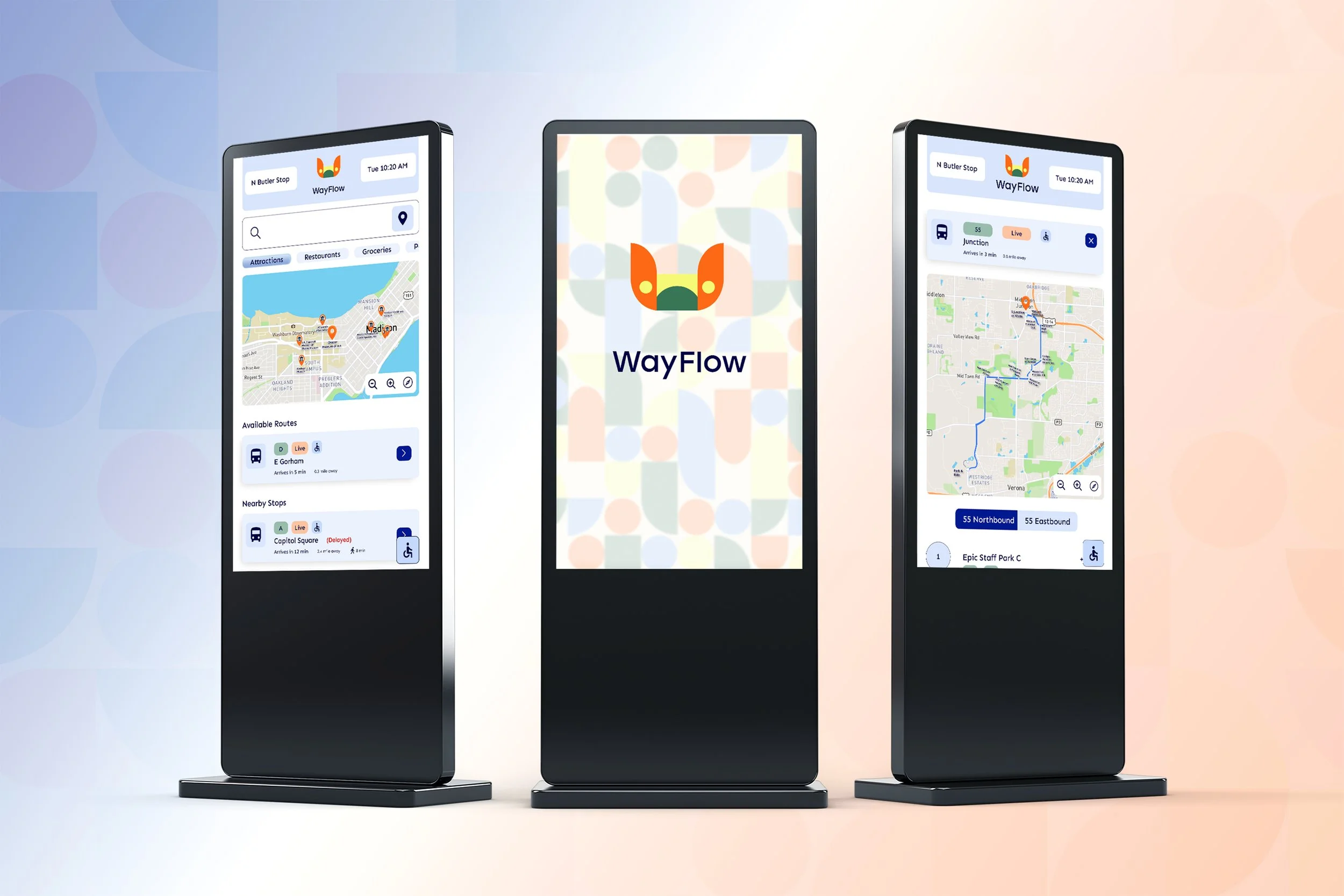
WayFlow
Transit Wayfinding Interface